How to Choose the Best GPU for Gaming: Desktop & Laptop
Learn how to choose the best GPU for gaming and laptop video cards to boost 1080, 4K, VR, rendering, and streaming. Enjoy your seamless gaming performance.

Introduction
Today, everyone wants to enjoy a smooth and seamless gaming experience, but overheating, weak drivers, poor graphics cards, and damaged hardware are hindrances to boosting their gaming performance.
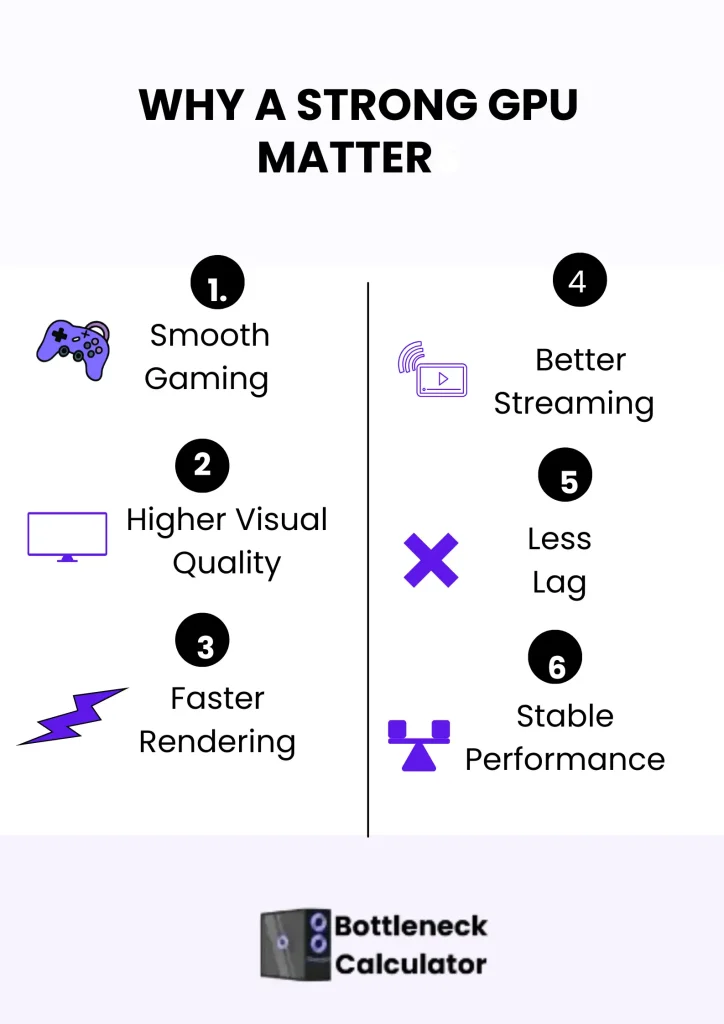
The gaming industry is becoming increasingly advanced day by day; now, the best GPU for gaming is necessary to enjoy better visuals and graphics features in heavy games.
Suppose you are considering upgrading your PC or laptop. In that case, you may be confused about selecting the best graphics card, as many names and technical terms can be difficult to understand when choosing a graphics card for a PC or laptop. But no need to worry about it because I am here to help you with the selection of the GPU.
In this comprehensive guide, I will provide valuable tips and tricks for choosing a better gaming GPU with confidence in 2025, drawing on my review of computer hardware from the last five years. No matter whether you want to select the best laptop video card or a PC, this guide will help you make the right decision.
Importance of Having the Best GPU For Gaming
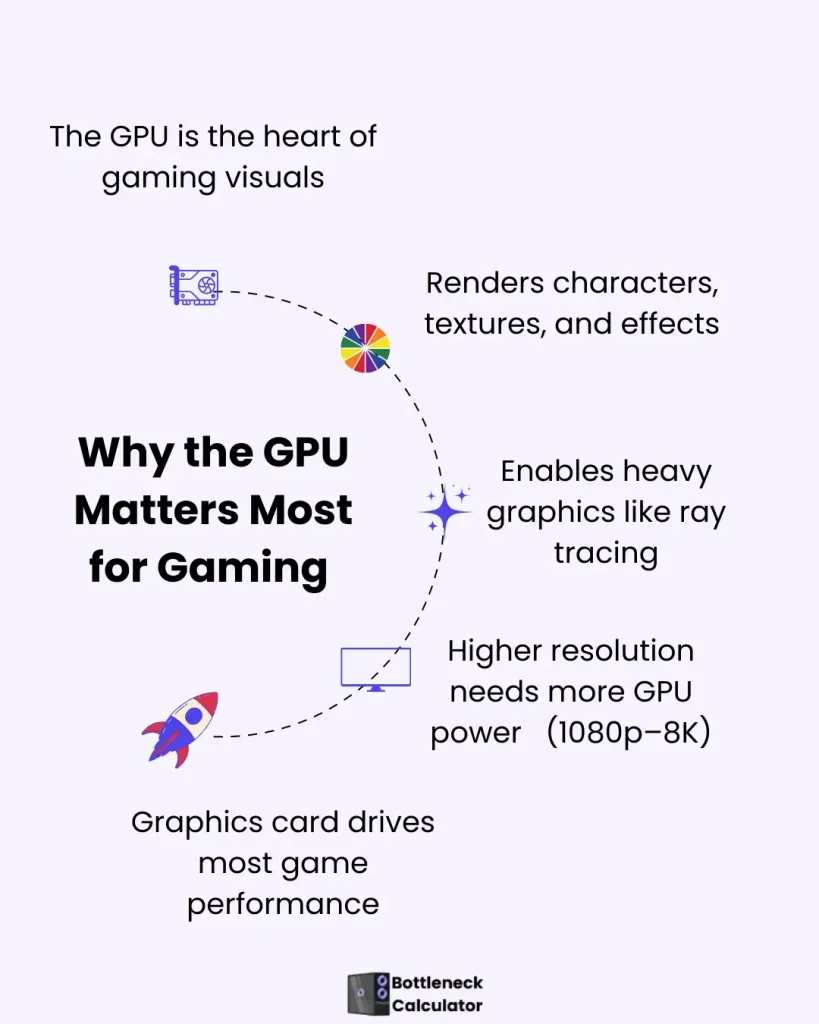
In modern gaming, the GPU is the heart of any PC or laptop. This chip prepares the visuals, such as character, style, and effect. GPU also controls the graphics of heavy gaming, such as ray tracing.
If your GPU is weak, the game may crash, display blurry visuals, and experience lag. That’s why, in 2026, if you want to enjoy games with 1080p, 1440p, 4k, or even 8k resolution, you have to choose the highest-quality GPU. Your 80-90% performance depends on the quality of the graphics card.
Use of GPU IN Rendering Software
A powerful GPU such as RTX 4070 Super, RX 7900 XTX, or RTX 5090 is the best choice for those who work in 3D or 4D animation software such as Blender and Maya. These GPUs have advanced features such as ray tracing, which help to upgrade the rendering speed and quality. If you are a gamer and also a content writer, use a GPU that controls both.
Best GPU for Streaming and Content Creation
If you want to do gaming, streaming, and video editing, then use these models of GPU:
Which is the Best GPU for gaming in 2026
Below are the details of different GPUs for gaming:
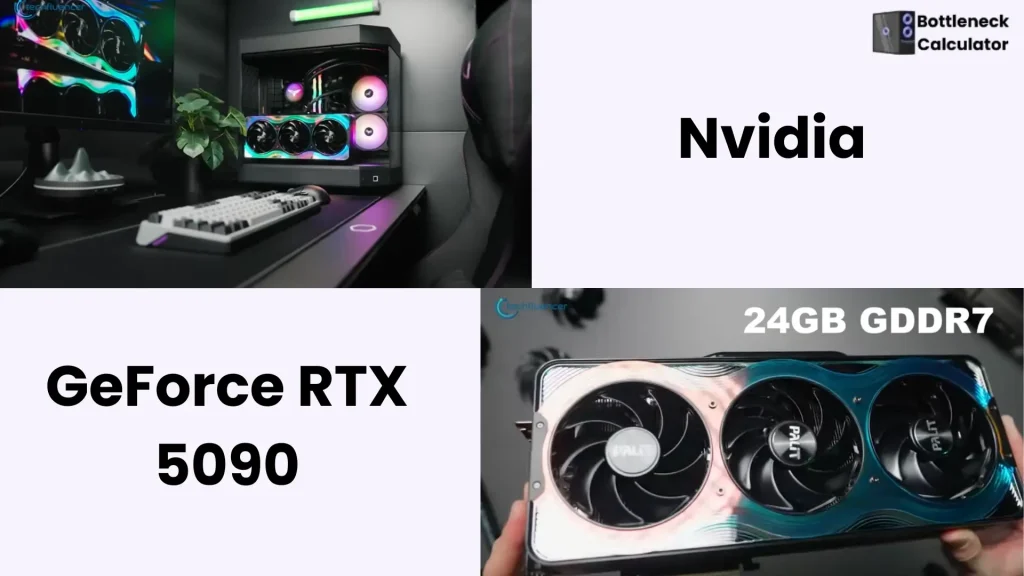
NVIDIA GeForce RTX 5090: A High-End GPU
AMD Radeon RX 7900 XTX: Best for 4k Games
A reliable choice for 4K gaming, video editing, and productive work.
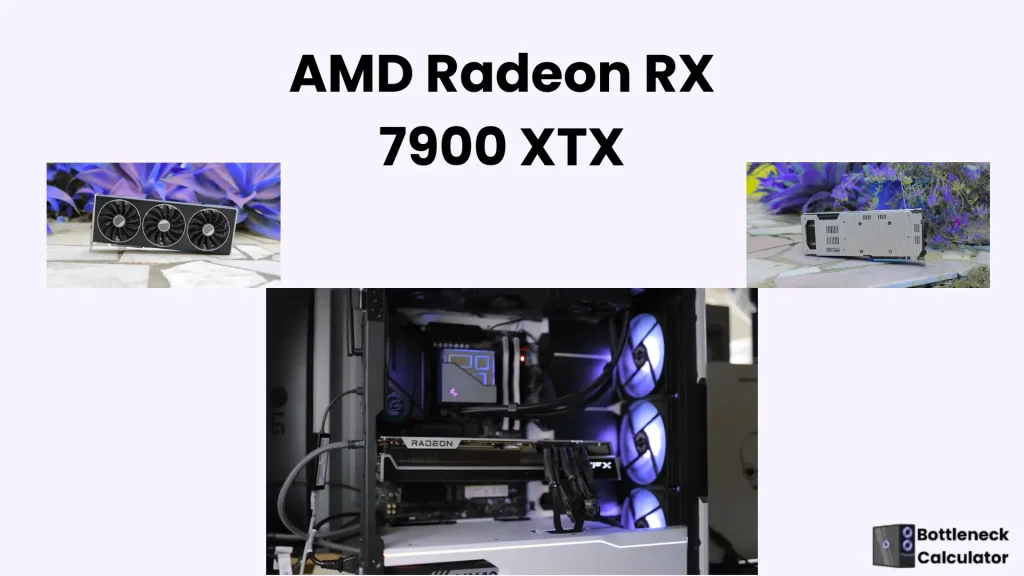
Note: Based on testing results, it is the best option in terms of price, but it performs lower in ray tracing than Nvidia. Sapphire RX 7900 XTX Vapor-X is launched with proper vapor chamber cooling, which is useful to reduce the temperature for gaming.
RTX 4070 Super: Nvidia’s Best GPU for Gaming PC
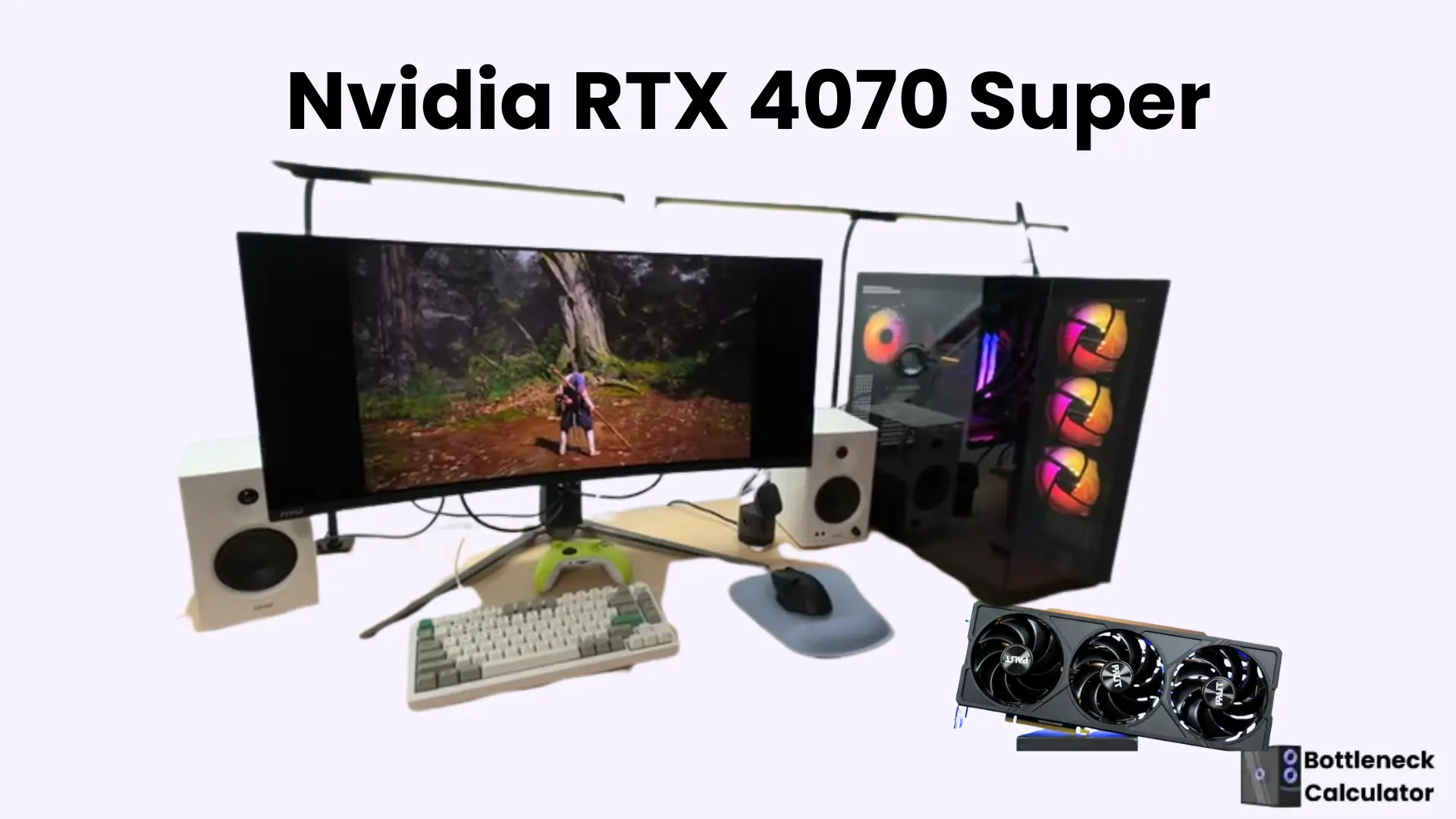
Note: This GPU model delivers the best performance for mid-range games.
Intel Arc B580: Best 1440p GPU
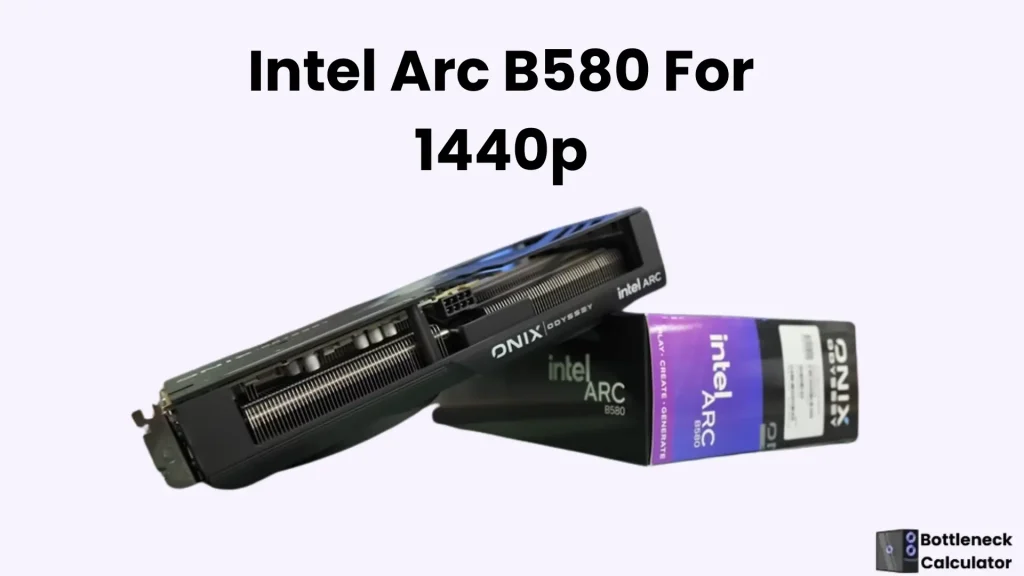
Note: Intel Deep Link is an advanced feature that works when you use a pair of Intel GPUs and CPUs. This share task helps in rendering and video editing.
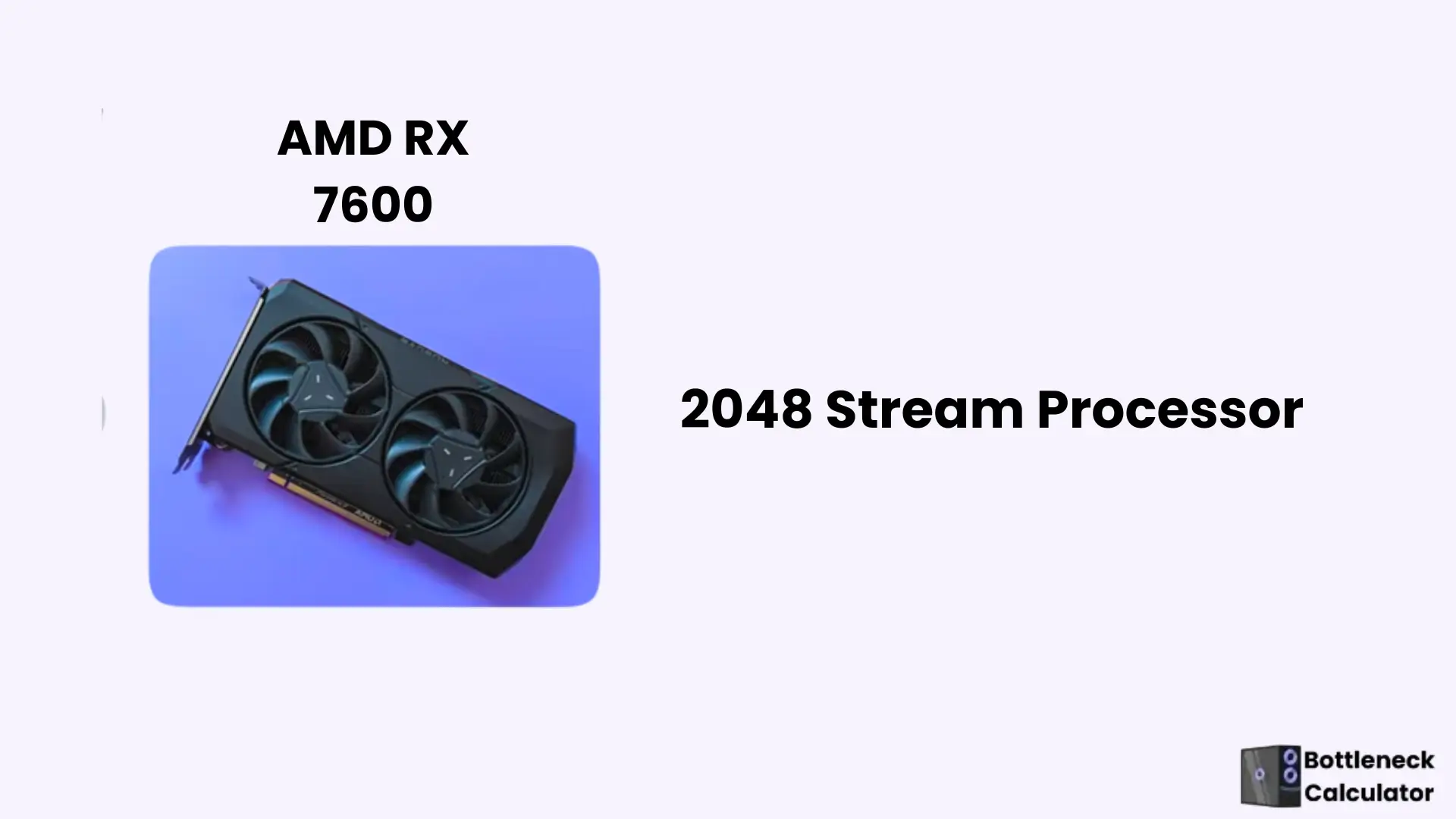
AMD Radeon RX 7600: Best GPU for gaming
NVIDIA RTX 4060
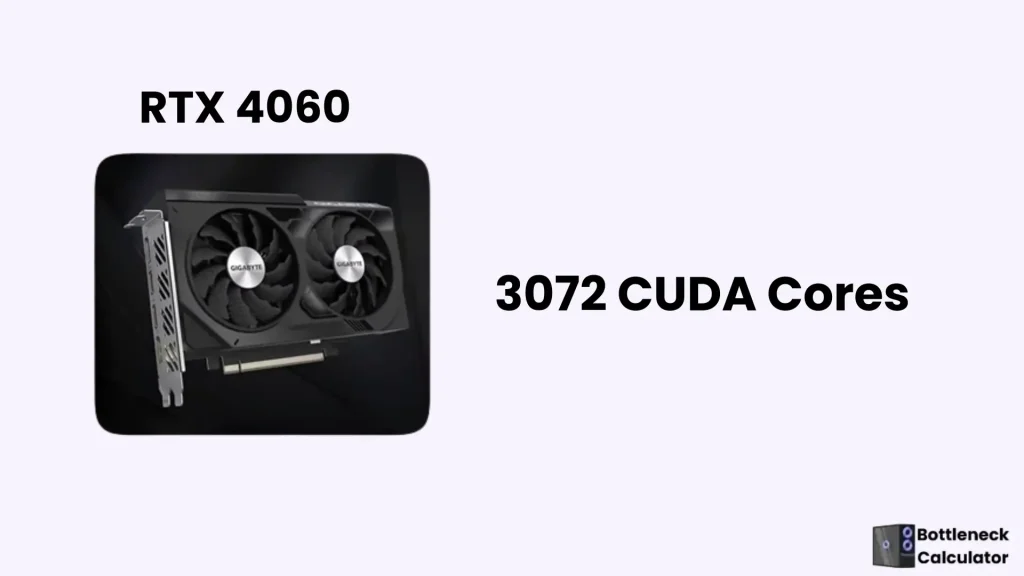
Note: It is faster and more powerful than the RTX 3060, but it is weaker in rasterization compared to DLSS.
Best Budgeting CPU For 2025
Best Graphics Cards for Gaming Resolution (2025)
| Resolution | Graphic | Usage |
| 4K | RX 7900 XTX, RTX 4070 Ti Super | For High-quality visual |
| 1440p | RX 9070 XT, RTX 4070 Super | For High frame rate |
| 4K+ Ultra | RTX 5090 | For best performance |
| 1080p | RTX 4060,RX 7600,Intel Arc B580 | Flowless gaming experience |
Best GPU by Game Variety
| For heavy games (Valorant) | RTX 4060, RX 7600 |
| For casual games | Arc B580, RX 6500 XT |
| Latest and modern games | RTX 4070 Super, RX 7900 XTX |
| For streaming and gaming | RTX 4080, RX 7900 XTX |
Note: NVIDIA replaces the old RTX 408 with the fresh RTX 408 Super, which gives better performance at the same price.
Best PC Gaming GPUs In 2023
The top Gaming GPUs of 2023 are described below:
| NVIDIA RTX 409 | Seamless experience with 1440p |
| AMD RX 6700 XT | Best performance at a low price |
| Nvidia RTX 3060 Ti | Good choice with 1080p and 1440p |
| AMD RX 7600 | Budget-friendly option with 1080p |
| Nvidia RTX 409 | For 4k games |
Note: AMD RX 6700XT is better than RX 6700 because of its high VRAM and performance.
Best PC Gaming GPUs In 2022
| Nvidia RTX 3060 / 3060 Ti | Trustworthy choice for 1080p and 1440p |
| AMD RX 6600 / 6600 XT | Best for maximum games |
| AMD RX 6500 XT | For primary games |
| Nvidia GTX 1660 Super | Best choice for entry-level games |
How to Choose the Best GPU for Gaming Desktop: A Step-By-Step Guide
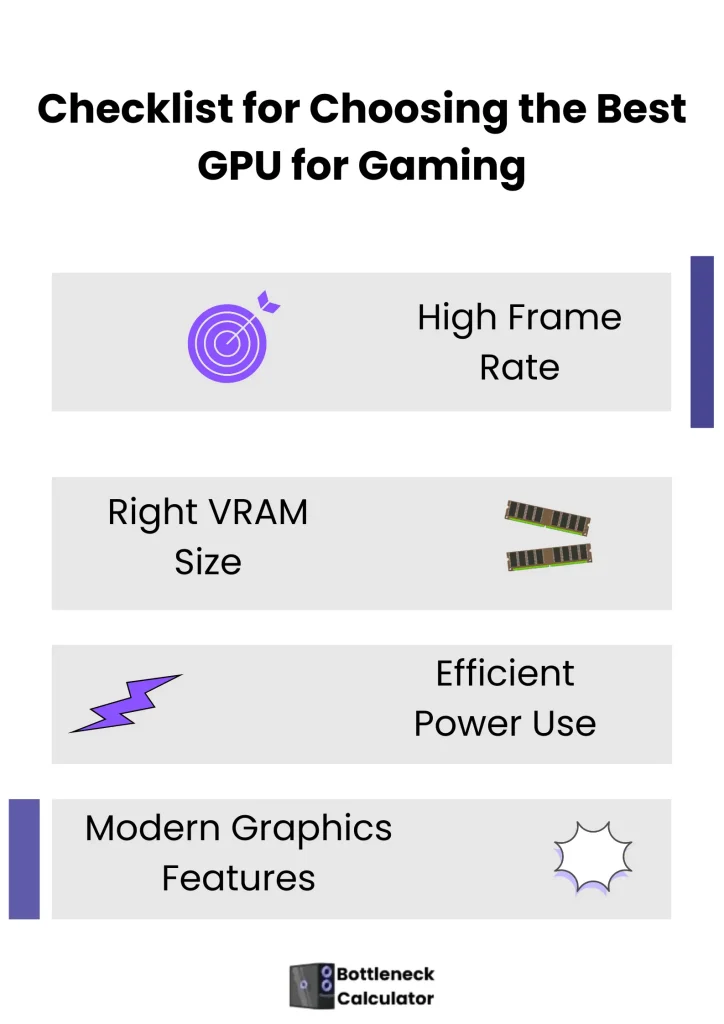
The best GPU for gaming is one that delivers the highest performance. Below are the features that are necessary in a good gaming GPU.
Modern Upscaling Features
In 2025, both Nvidia and AMD will offer the latest AI-based upscaling feature.
Ray-Tracing
A modern technology that works to make light and shadow as realistic as real life. Light gives the theme a natural touch.
DLSS
This is an Nvidia AI-based feature. This technology smartly up-scales the images. It means that the game runs at a low resolution, but high-quality on-screen graphics are displayed. It upgrades the frame rate without requiring the system to be loaded. DLSS is more compatible and has better performance than FSR.
FSR
This AMD’s upscaling technology works to run a game at low resolution and high resolution on the screen. The game runs fast and smoothly without the problem of lag, and visuals are also clear. FSR improves the image quality.
GPU For VR Games
VR games are those games that you can play through a virtual reality headset. You are in the world of a game. VR games demand a high-quality GPU that controls everything, including speed and timing.
Note: If you want to upgrade your PC, ensure that you have a good CPU for a gaming PC to benefit from adding a new GPU.
What to Consider When Buying a Good GPU
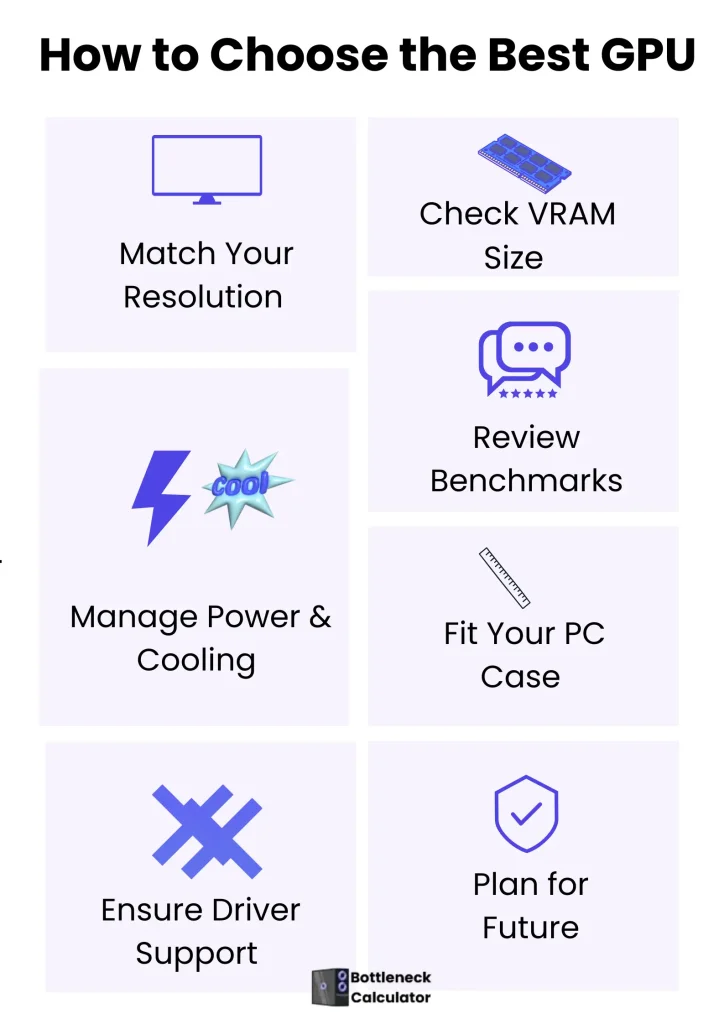
First, decide on the work of the GPU. Every gamer has different options available in the market of GPUs, whether they are casual gamers or hardcore gamers. If you want to play a game such as Fortnite or Valorant, then you don’t need an expensive GPU. These games run smoothly on low-end systems.
VRAM Ability
Not only the VRAM size but also the speed plays an important role in GPU performance. High GB VRAM provides the texture and graphic quality while also boosting the frame rate. VRAM indicates the speed of data transfer.
In RTX 4070 Super, 12GB VRAM is available, which is faster than the normal 12GB GDDR6. Slow speed can create a problem in rendering games. It is important to check the VRAM speed for 1080p and 1040p games.
Software Support for GPU Drivers
In the GPU’s performance, the software driver has its own importance. NVIDIA and AMD launch their own updated driver and fix the bugs. If you are using a rendering tool such as Blender, then updating the driver plays an important role in it.
NVIDIA launches GeForce Experience for automatic driver updates and game optimization, while AMD has also improved the stability and performance of its drivers over the past few years.
Importance of Clock Speed in Gaming PC
Clock speed means GPU speed for processing the data, and its measurement is in MHz or GHz. Clock speed increased the GPU speed. It gives benefits when you play heavy games.
Physical Requirements of the Best GPU for Gaming
Gamers usually ignore the GPU size; the result is that high-end GPUs such as RTX 5090 are big in size and unsuitable for every PC. Also, check whether your power supply supports a big GPU.
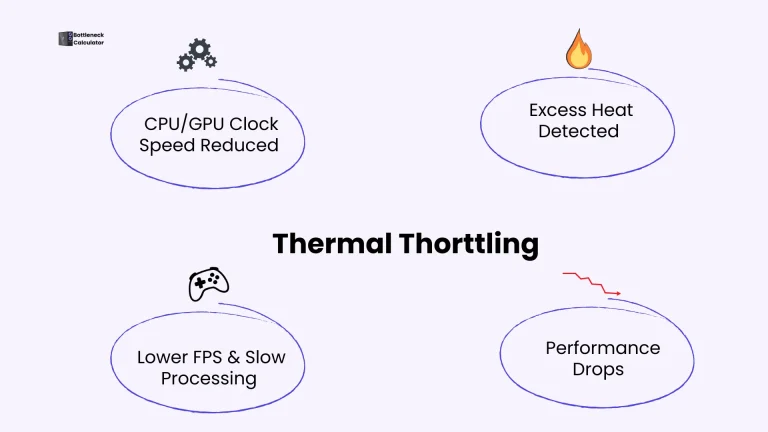
RTX 5090 demands an advanced cooling system; Make sure your computer has the proper airflow to avoid overheating and thermal throttling. Each GPU has different PSU requirements.
For example, a Budget-friendly GPU runs smoothly on 450W, while an RTX 5090 demands a stronger power supply unit. If you want to use a multi-monitor setup, then surely use RTX 4080 or RX 7900 XTX, which can handle high bandwidth and give the best smooth performance.
GPU Gaming Benchmark ( Real-World Example)
Real-world benchmarking means running the desired games and testing the GPU performance. For example, RTX5090 runs Cyberpunk 2077 smoothly with ray tracing, 4k, and 71 FPS. This result shows that this GPU is best for 4K gaming.
Future Recommendation
Always prefer those GPUs that support modern games, such as AAA, for the next three years. RTX 5090 or RX 7900 XTX helps to reduce the need to upgrade again and again.
Best Laptop Video Cards
Power Limit for a Laptop
When you use an RTX 4090 in a laptop, it is not necessary that it works fast; its performance depends on its TGP. IF your computer gives less power to the GPU, then its speed can be slow. Sometimes, a powerful RTX 4080 works better than an RTX 4090.
Bonus tip: Check the TGP of the laptop, not the GPU, for better performance.
Best Laptop Graphic Cards
The laptop model of RTX 4080 uses the power properly and delivers better performance than RTX 4090.
Budget-friendly GPU for a Laptop
RTX 4060 mobile is a superb selection for a gaming laptop. It gives smooth gameplay with 1080p resolution. Each computer has a different power load, allowing for diversified performance.
Future Supported GPUs for Laptops.
The RTX 5070 and RTX 5090 were launched in March 2025. This GPU has new GDDR7 memory, energy-saving, and Max Q mode features. It has 40% extra battery life than the RTX 40 series.
FAQ’s
Conclusion
The selection of the best GPU for gaming is a crucial step in becoming a successful gamer. If you are doing video editing or heavy work, then a strong GPU is necessary, but ensure it supports your budget and resolution.
In 2025, RTX 5090 and RX 7900 XTX are the best selection for high-end games, while RTX 4060, RX 7600, and Intel Arc B580 are best for those who want a smooth gaming experience with 1080p and 1440p resolution.
Each user has different demands, so select the GPU according to your preference. Remember one thing: only the best GPU is not enough; CPU, RAM, and resolution are also important for the best performance. You instantly test the balance between the computer’s components by using my PC bottleneck calculator.
The selection of the best GPU for gaming makes the gaming experience fast and smooth. In this article, I described the important points to consider in choosing the best GPU for a gaming laptop and PC. This guideline not only helps in 2025 but also has a great benefit in the future.