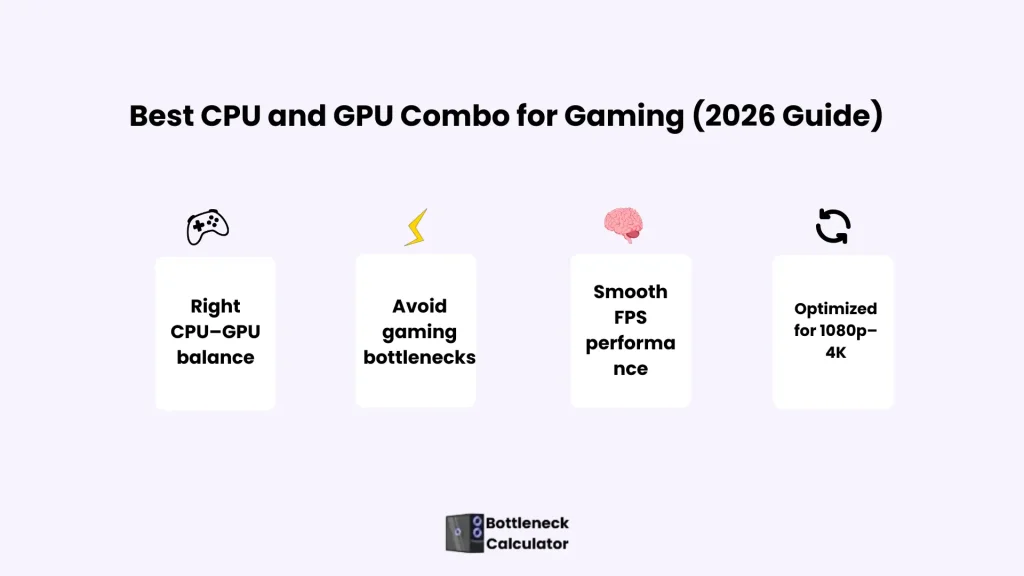
Best CPU and GPU Combo for Gaming (2026 Guide)
The Best CPU and GPU Combo for Gaming in 2026. Find balanced CPU–GPU pairing, avoid bottleneck issues, and choose the right combo for 1080p, 1440p, and 4K gaming.
What Is a CPU and GPU Combo?
Most gamers face the same problem when building or upgrading a PC: deciding which CPU works best with which graphics card.
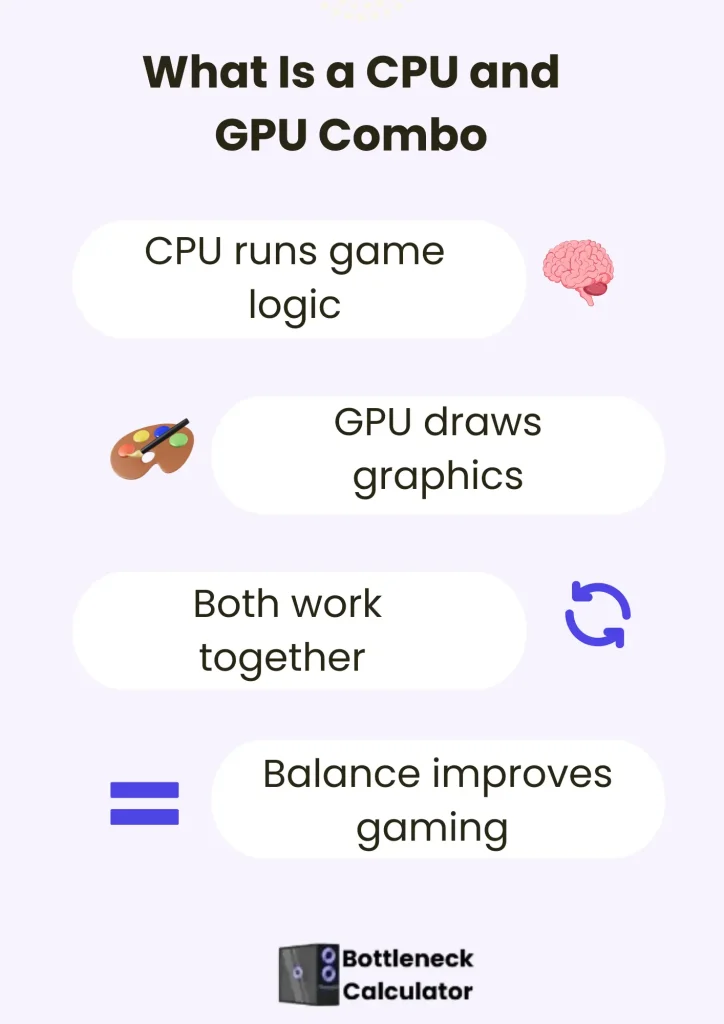
A poorly matched CPU and GPU combo can result in low FPS, stuttering, and hardware that never performs the way it should. This article is meant to clear that confusion and help you choose the right CPU–GPU combo for gaming. Simply put, the CPU and GPU work together as a team.
When a CPU and graphics card are properly paired, games feel smoother, and performance stays consistent. This kind of balance ensures that neither component slows the other down during gameplay.
In real-world gaming, raw power alone does not always produce better results. A well-matched setup delivers steadier frame rates, better responsiveness, and overall smoother performance.
That is why this guide focuses on helping gamers understand which CPU pairs best with which GPU for reliable gaming performance.
Why CPU and GPU Balance Matter in Gaming
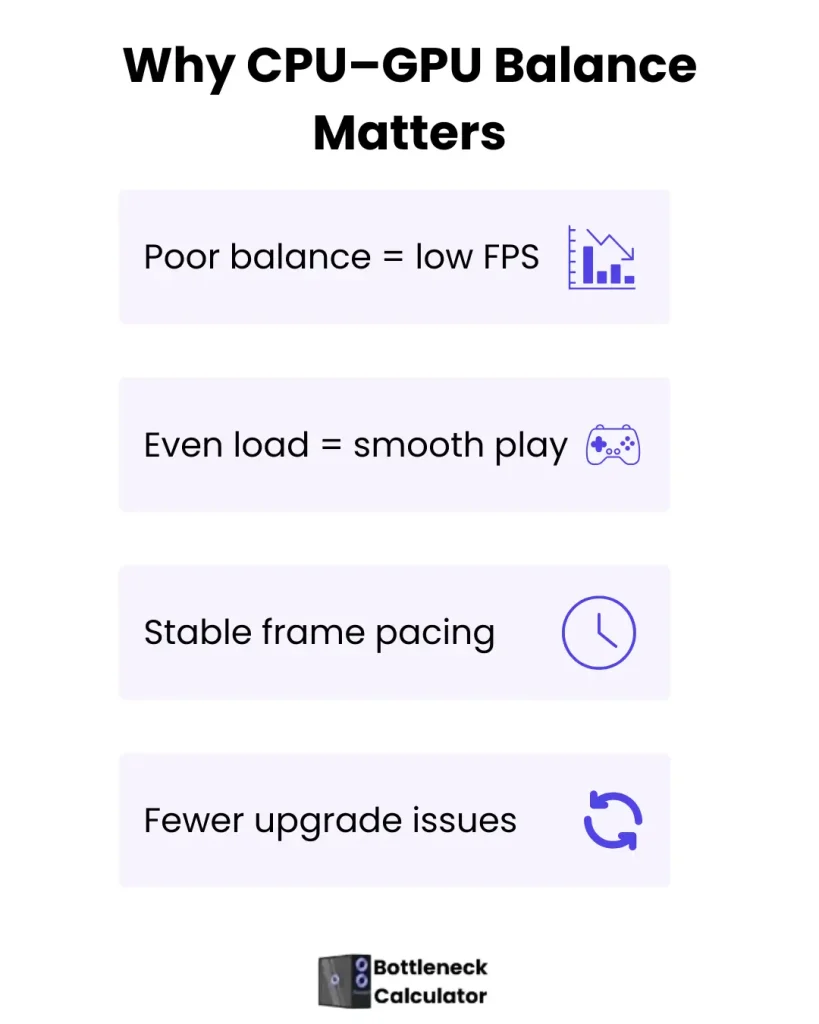
Many gaming performance issues are not caused by weak hardware but by poor balance. When there is no proper cpu–gpu performance balance, one component ends up doing more work than the other. This is where a gaming PC bottleneck starts to hurt frame rates and overall smoothness.
A balanced PC build allows both the CPU and GPU to work at their intended load. Games respond faster, frame pacing stays stable, and sudden FPS drops are reduced. This balance matters more than chasing the most expensive part on the market.
Competitive testing shows that uneven builds waste performance even in high-end systems. Gamers who focus on balance get better real-world results, longer hardware lifespan, and cleaner upgrade paths.
CPU and GPU Bottleneck Explained (Real Scenarios)
Many gamers get confused by usage numbers, but bottlenecks are easy to understand when you look at real in-game behavior.
A CPU vs GPU bottleneck becomes clear when hardware load is observed during actual gameplay. The scenarios below break down PC performance analysis in a way that reflects real-world gaming.
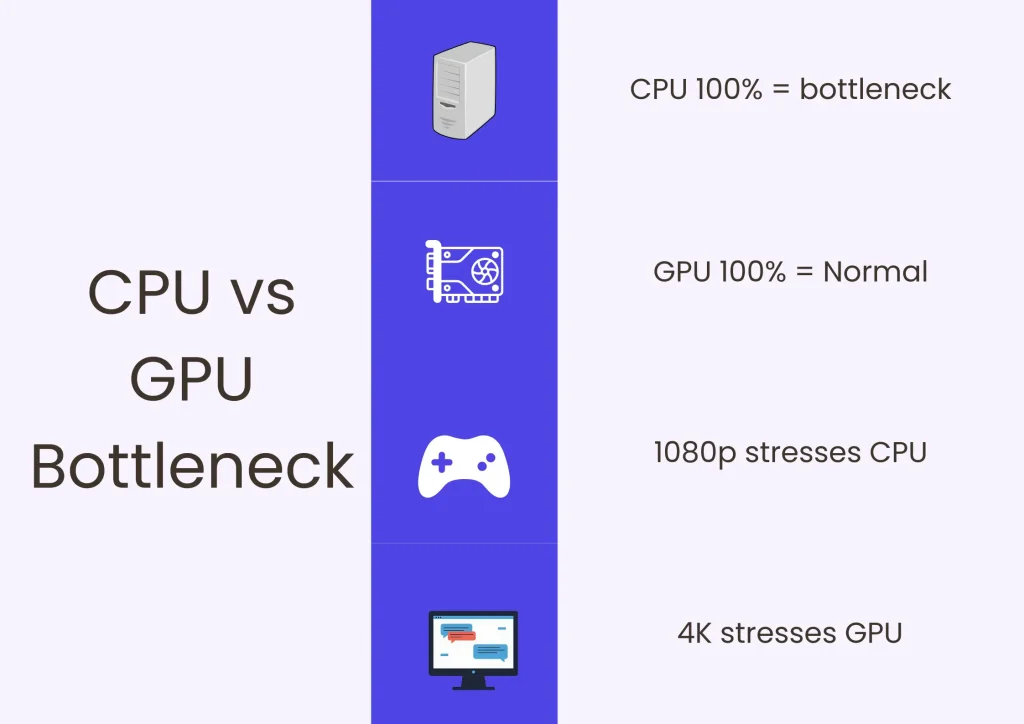
CPU 100% & GPU 50% — What It Means
This situation shows a clear CPU limitation. The processor is fully loaded while the graphics card waits for data. Game logic, AI, and background tasks overwhelm the CPU, preventing the GPU from reaching full usage.
This is common in 1080p gaming or CPU-heavy titles. Even with a strong graphics card, frame rates stay low. Upgrading the CPU or increasing the resolution often resolves the issue.
GPU 100% & CPU Low — When It’s Normal
High GPU usage with low CPU load is usually a good sign. It means the graphics card is doing the heavy work without being held back. This pattern appears frequently in 1440p and 4K gaming.
Modern games are designed to push the GPU. In this case, performance is efficient, and hardware is being used properly. Many users mistake this healthy behavior for a problem.
CPU & GPU Both High — Good or Bad?
When both CPU and GPU show high usage, the system is often well balanced. Each component is working at its intended capacity. This results in smooth gameplay and stable frame delivery.
The only concern here is heat or thermal throttling. With proper cooling and settings, this scenario reflects a strong and optimized gaming setup.
Check Your CPU and GPU Combo Before Buying
Choosing a CPU and GPU without checking the balance is one of the most common gaming mistakes. The combos below are grouped by real gaming use cases to help you avoid a gaming PC bottleneck and pick a setup that actually performs the way you expect.
Budget & Entry-Level Gaming Combos (1080p / Esports)
Intel Core i3-12100F + NVIDIA GeForce GTX 1660 Super
Intel Core i3-13100F + NVIDIA GeForce RTX 2060
AMD Ryzen 3 4100 + NVIDIA GeForce GTX 1650
Mainstream & Value Gaming Combos (1080p Ultra / 1440p)
Intel Core i5-12400F + NVIDIA GeForce RTX 3060
Intel Core i5-13400F + NVIDIA GeForce RTX 3060
AMD Ryzen 5 5600 + NVIDIA GeForce RTX 3060
AMD Ryzen 5 5600X + NVIDIA GeForce RTX 3060 Ti
High-Performance 1440p Gaming Combos
Intel Core i5-13600K + NVIDIA GeForce RTX 4070
Intel Core i5-14600K + NVIDIA GeForce RTX 4070
AMD Ryzen 5 7600X + NVIDIA GeForce RTX 4070
Intel Core i7-12700K + NVIDIA GeForce RTX 4070 Ti
High-End & 4K Gaming Combos
Intel Core i7-13700K + NVIDIA GeForce RTX 4080
Intel Core i7-14700K + NVIDIA GeForce RTX 4080
AMD Ryzen 7 5800X3D + NVIDIA GeForce RTX 4070 Ti
Enthusiast & Extreme Gaming Builds (4K–8K)
AMD Ryzen 7 7700X + NVIDIA GeForce RTX 4080
AMD Ryzen 7 7800X3D + NVIDIA GeForce RTX 4080
Intel Core i9-12900K + NVIDIA GeForce RTX 4090
Intel Core i9-13900K + NVIDIA GeForce RTX 4090
Intel Core i9-14900K + NVIDIA GeForce RTX 4090
AMD Ryzen 9 7950X3D + NVIDIA GeForce RTX 4090
Best GPU and CPU Combo for Gaming (By Resolution)
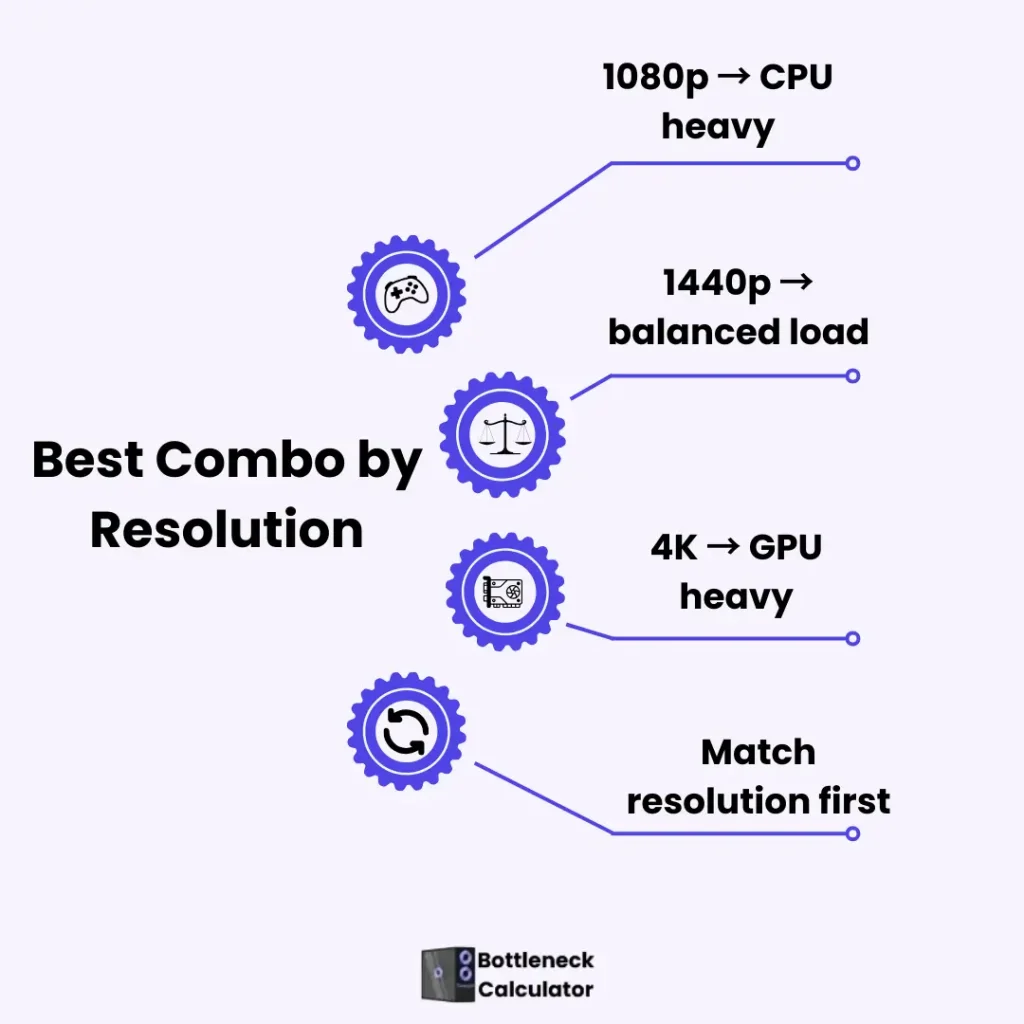
Gaming performance changes dramatically with resolution. A setup that feels perfectly balanced at 1080p can behave very differently at 1440p or 4K. This article helps gamers choose the right CPU and GPU pairing.
Best CPU and GPU Combo for 1080p Gaming
1080p gaming places more pressure on the CPU than many players expect. High frame rates depend on how well the processor handles game logic, physics, and draw calls. A well-matched combo at this resolution avoids unnecessary gaming PC bottleneck issues and keeps gameplay smooth.
For competitive and esports players, CPU stability matters as much as GPU power. The best cpu and GPU combo at 1080p focuses on consistent FPS rather than chasing ultra visuals.
Best CPU and GPU Combo for 1440p Gaming
1440p gaming creates a balance point where both CPU and GPU matter almost equally. Poor pairing at this resolution quickly exposes weak links in a build. Maintaining proper cpu–gpu performance balance is the key to stable performance in modern titles.
The best cpu gpu combo for 1440p gaming handles high settings without stutter or uneven frame pacing. A balanced PC build at this resolution also offers flexibility for future upgrades, which is why many gamers consider 1440p the sweet spot.
Best CPU-GPU Combo for 4K Gaming
4K gaming is largely driven by GPU power. At this resolution, the graphics card does most of the heavy lifting while the CPU focuses on feeding data efficiently. A GPU bottleneck is expected here and does not indicate poor pairing.
The best CPU and GPU combo for 4K gaming prioritizes a strong GPU with a capable CPU that avoids limiting performance. This pairing maximizes visual quality and keeps demanding AAA games playable without unnecessary compromises.
Why Resolution-Based Pairing Works Better
Many guides list hardware without explaining how resolution changes performance behavior. That gap often leads to confusion and mismatched expectations. Selecting a cpu and GPU combo by resolution solves this problem by aligning hardware with real gaming use cases.
Instead of chasing raw numbers, gamers get setups that match how games actually run at different resolutions, leading to better long-term satisfaction.
Best Budget CPU and GPU Combo for Gaming
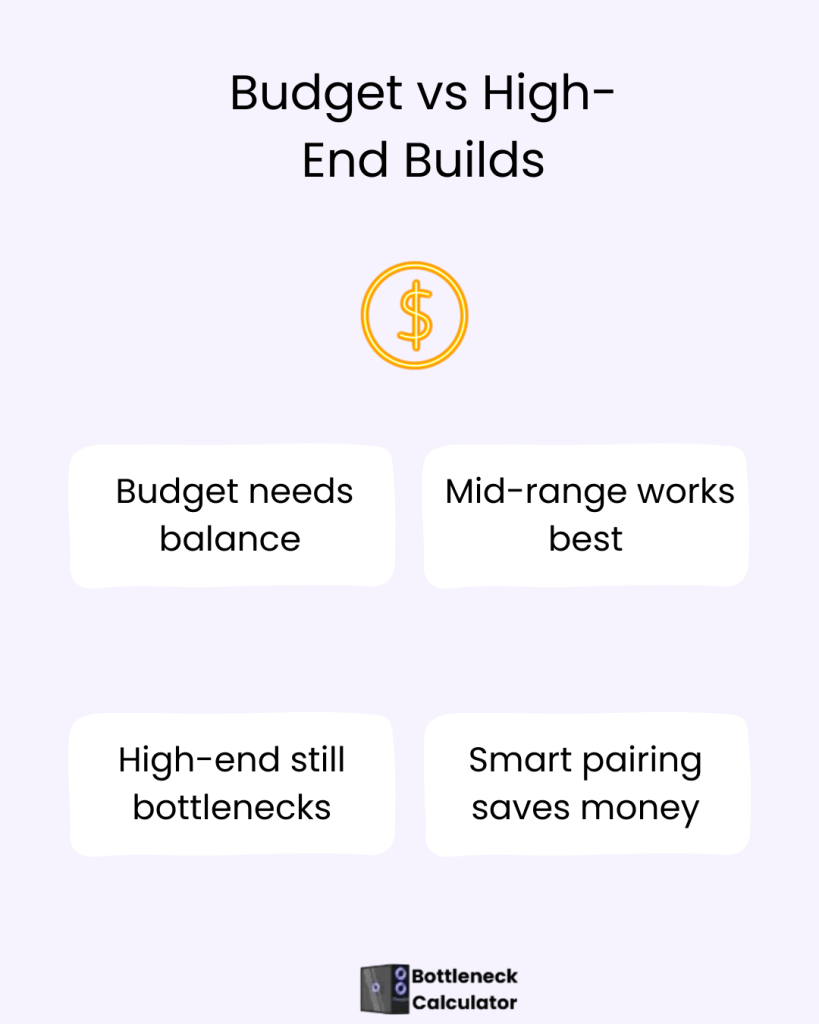
Budget gaming is about smart balance, not cutting corners. The best CPU-GPU combo for budget gaming focuses on stable performance at realistic settings instead of chasing max specs. A well-chosen combo can deliver smooth 1080p gameplay, consistent frame pacing, and fewer upgrade regrets.
Most budget gamers benefit from pairing a capable mid-range CPU with a sensible graphics card. This approach avoids common entry-level mistakes where one part limits the other. Real-world testing shows that balanced budget builds often outperform more expensive but poorly matched setups.
CPU, GPU, and Motherboard Compatibility (Often Ignored)
Many gaming builds fail not because of weak parts, but because compatibility is overlooked. A best cpu gpu motherboard combo ensures proper power delivery, full feature support, and long-term stability. Skipping a basic hardware compatibility check can lead to performance loss or upgrade limits later on.
Motherboard chipset, BIOS support, and PCIe versions all affect how well a CPU and GPU work together. Gamers who plan ahead avoid forced replacements and enjoy smoother upgrades. Compatibility is not exciting, but it protects performance and investment.
Popular GPU and CPU Combos People Actually Use
Real gamers do not build PCs on paper. They rely on cpu and GPU test results from actual gameplay, benchmarks, and long-term use. These real-world pc builds show how hardware behaves outside perfect lab conditions.
Popular combos succeed because they deliver reliable performance across many games. They handle updates, new engines, and higher settings without constant tweaking. That consistency is why these combinations remain widely used, even when newer parts enter the market.
Common Mistakes When Choosing a CPU and GPU Combo
Many gamers focus only on raw specs and ignore balance. This leads to poor pc performance optimization, even with expensive hardware. A powerful GPU paired with a weak CPU often creates stutter and uneven frame delivery.
Another common mistake is skipping system-wide tuning. Without acting like a true pc build performance optimizer, users overlook BIOS settings, RAM configuration, and cooling. These small details often decide whether a combo performs well or feels disappointing.
CPU and GPU Combo: Gaming vs Productivity
Gaming and productivity stress hardware in very different ways. Games rely heavily on frame pacing and real-time performance, while productivity workloads favor sustained multi-core power. This difference is why one combo rarely excels at everything.
Gamers who stream, edit, or multitask need to choose carefully. A combo built only for gaming may feel slow in creative work. Understanding this split helps mixed-intent users avoid builds that feel strong in one task and weak in another.
When a Combo Looks Right but Gaming Performance Is Still Bad
Even a well-matched combo can struggle due to external factors. Background apps, overlays, and poorly optimized settings often drain performance. These issues are common but rarely discussed.
Resolution mismatch is another hidden problem. Running low resolution with a powerful GPU shifts pressure to the CPU. Proper settings alignment often fixes issues without hardware changes.
Final Advice Before Upgrading or Building a PC
Before upgrading, identify what actually limits performance. A good pc upgrade advisor approach starts with real usage data, not assumptions. Blind upgrades often waste money and solve nothing.
Look at how your system performs in the games you actually play. Choose parts that match your habits, not marketing claims. This approach delivers better results over time.
Best CPU and GPU Combo by Gaming Resolution (Quick Comparison)
| Gaming Resolution | Ideal CPU Tier | Ideal GPU Tier | Bottleneck Expectation | Best For |
| 1080p (Full HD) | Strong single-core CPU | Mid-range GPU | CPU-sensitive | Esports, high FPS gaming |
| 1440p (2K) | Balanced mid/high CPU | Upper mid-range GPU | Balanced load | AAA gaming, 144Hz monitors |
| 4K (Ultra HD) | Stable multi-core CPU | High-end GPU | GPU-bound (normal) | Visual quality, AAA titles |
| 8K (Extreme) | Flagship CPU | Enthusiast GPU | GPU-limited | Experimental, future gaming |
FAQ’s
Conclusion
A CPU and GPU combo works best when it matches how you play, not just what is popular. Balanced pairing, realistic expectations, and compatibility checks prevent most performance issues. Small bottlenecks are normal and often unavoidable.
Smart choices come from understanding behavior, not chasing numbers. When hardware matches real gaming needs, performance feels smoother, upgrades last longer, and the overall experience improves.