DDR4 vs DDR5: Which RAM Is Better For Your Gaming Experience
DDR4 vs DDR5: Compare speed, latency, power use, and gaming performance. Choose the best RAM for a smoother and faster gaming experience.
Introduction
Long-term memory timing is a feature desired by almost everyone. RAM timing is adjusted according to the user’s needs. This component works in cooperation with the other parts of the computer to deliver improved performance and run games smoothly and quickly.
Today, many people using DDR4 RAM are considering installing DDR5 RAM to achieve the standard performance in games. However, a question arises in my mind: Is it necessary to upgrade from DDR4 to DDR5?.
In this article, I will provide a detailed comparison of DDR4 vs DDR5 from the perspective of optimal gaming performance. This article will remove your confusion about which RAM is best for your gaming.
Let’s go with me to understand the comparison between DDR4 and DDR5 to help you make the best decision for your gaming needs.
Meaning of DDR4 and DDR5
Digits 4 and 5 describe the DDR SDRAM generation. DDR4 is the fourth generation, while DDR5 is the latest fifth generation.
DDR4 vs DDR5 RAM: Key Differences
DDR3 is the previous version, DDR4 is the commonly used version, DDR5 is the latest version, and DDR6 is the upcoming version. A short comparison table of DDR4 vs DDR5 is described below:
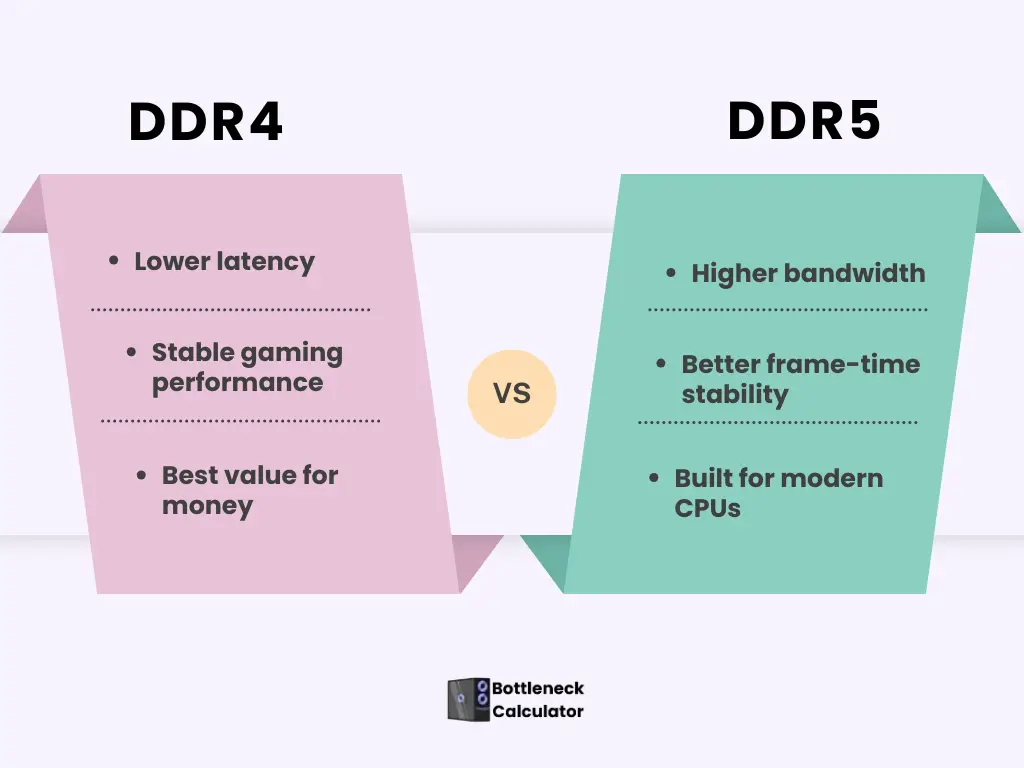
| Qualities | DDR4 | DDR5 |
|---|---|---|
| Released years | 2014 | 2020 |
| Voltage potential | 1.2v | 1.1v |
| Burst Length | 8 block | 16 block |
| Speed | 1600-3200 MT/s | 4800MT/s |
| Module’s Capacity | 64GB | 128GB |
| XMP profile | 2 | 5 |
| Component density | 16 GB in each die | 64 GB in each die |
| On-die ECC | No | Yes |
| Management power | On the motherboard | On the RAM |
| Double Channel feature | No | Yes v64 bits |
DDR4 vs DDR5: Speed Difference in Gaming
The basic difference between DDR4 and DDR5 RAM is in their speed and performance. The speed of transferring data in DDR5 is 4800+8400 MT/s, while DDR4’s speed of data transfers is 1600-3200 MT/s. This means that DDR5 has more capacity to read and process data than DDR4.
Frequently, using this application reduces its loading time. It saves your time and effort while multitasking. DDR5 provides faster speed and bandwidth than DDR4, so it has higher latency. DDR4 has low latency, which means that it can process the data faster under certain conditions.
DDR5 8400MT/s uses a special technique called Decision Feedback Equalization. This technique reduces the noise of the signal to transfer the data smoothly. If you are playing a game or multitasking, then the system runs smoothly and fast.
For complex tasking, 32 GB is best; for gaming speed, 16 GB provides more capacity. However, 8GB gives the fastest speed. But still, many users preferred to use the DDR4 3600 because it offers stable performance at a reasonable price.
The 3600MHz is considered the best choice, especially when it works with a Mid-range CPU.
Does DDR4 or DDR5 Affect CPU–GPU Bottleneck in Gaming?
Many gamers focus only on CPU and GPU while ignoring RAM speed. This often creates hidden performance limits. RAM directly affects how fast the CPU can feed data to the GPU during gameplay.
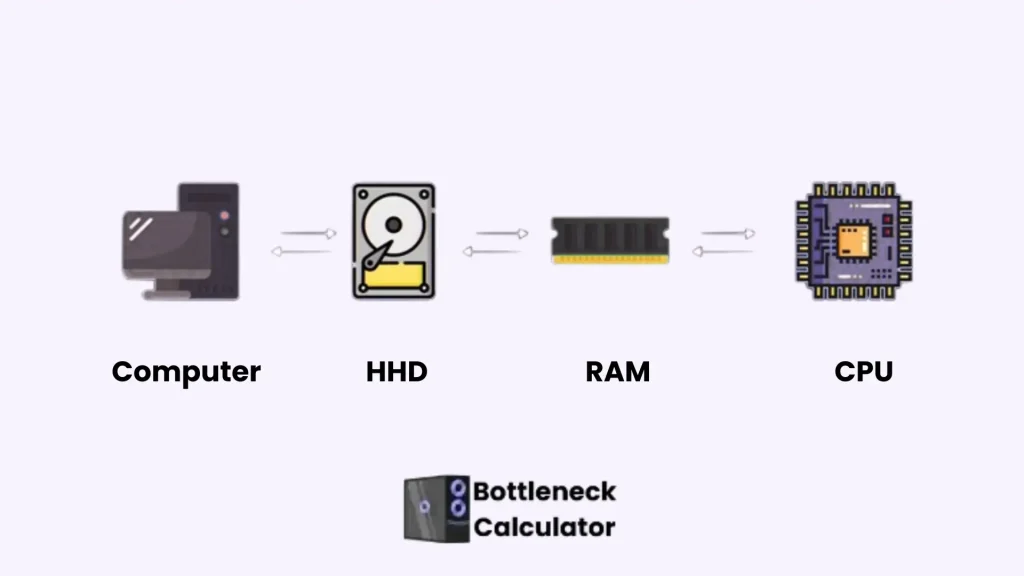
To check whether your PC is limited by the CPU or the GPU, use our CPU and GPU combo calculator to see how well your hardware works together.
With slower DDR4 memory, the CPU may wait longer to process game data. This delay can increase CPU usage and cause uneven frame delivery, especially in 1080p gaming. Faster DDR5 reduces this delay and helps the CPU maintain consistent performance when paired with modern GPUs.
DDR5 does not remove bottlenecks completely, but it improves balance in CPU-limited scenarios. Games that rely on draw calls, physics, and AI benefit the most. This is why RAM choice matters when analyzing CPU–GPU bottleneck results.
DDR4 vs DDR5 — 1% Low FPS and Frame Time Stability
Average FPS does not reflect real gaming smoothness. What matters is 1% low FPS and frame time stability. These values show how consistent a game feels during heavy moments.
DDR5 improves stability in memory-intensive scenes. Large maps, asset streaming, and background processes push memory harder. In such cases, DDR5 reduces sudden frame drops better than DDR4.
DDR4 remains strong with tuned speeds like 3600MHz. However, DDR5 holds an advantage in newer game engines. The difference becomes clearer during longer gaming sessions.
DDR4 Vs DDR5 Ram: Difference in Physical Appearance
However, DDR5 and DDR4 have the same number of pins, but they have separate designs. The notch of DDR5 is on a different plane from DDR4. It helps to avoid putting the wrong chip in RAM.
DDR5 looks more modern and up-to-date than DDR4. You can see a PMIC chip in between, which is not present in DDR4. This chip controls the power so that DDR5 works more efficiently than DDR4.
Channel Architecture
DDR4 vs DDR5 RAM shows clear differences in performance and efficiency. DDR5 modules include built-in resistors like CMD and ADD, which stabilize signals between the RAM and motherboard at high data transfer speeds. This ensures smooth and stable performance, especially when running heavy software or modern games.
DDR5 also features two independent channels per DIMM, each 32 bits wide, while DDR4 has a single 64-bit channel. This change increases capacity and allows multiple applications to run simultaneously without slowing down. For users comparing DDR4 vs DDR5, DDR5 offers better multitasking, higher efficiency, and more reliable performance under heavy loads.
Unique Temperature sensor
DDR5 has a new SPD Hub chip and thermal sensors, which are not available in DDR4. These sensors check the RAM temperature and give a signal if the RAM generates heat to increase the frame rate and set the refresh rate to keep the RAM cool.
Design of Command /Address Bus Signal Integrity
DDR5 RAM transfers data at a fast speed, not only through the data bus, but also by designing the command address bus carefully. In DDR4, the main focus is on the data line. In DDR5, Data and control are increased in an accurate layout and tuning so that RAM can work smoothly and quickly.
DDR4 vs DDR5: Memory Capacity
Each module of DDR5 has a maximum capacity. For example, the memory limits of DDR4 are 32GB per module, while DDR5 has a limit of 128GB per module.
This feature is best for those computers that are used as a workstation or work as a server. It works in cooperation with the CPU to improve PC performance and helps to handle tasks that require more data processing.
Power Capacities in DDR4 and DDR5
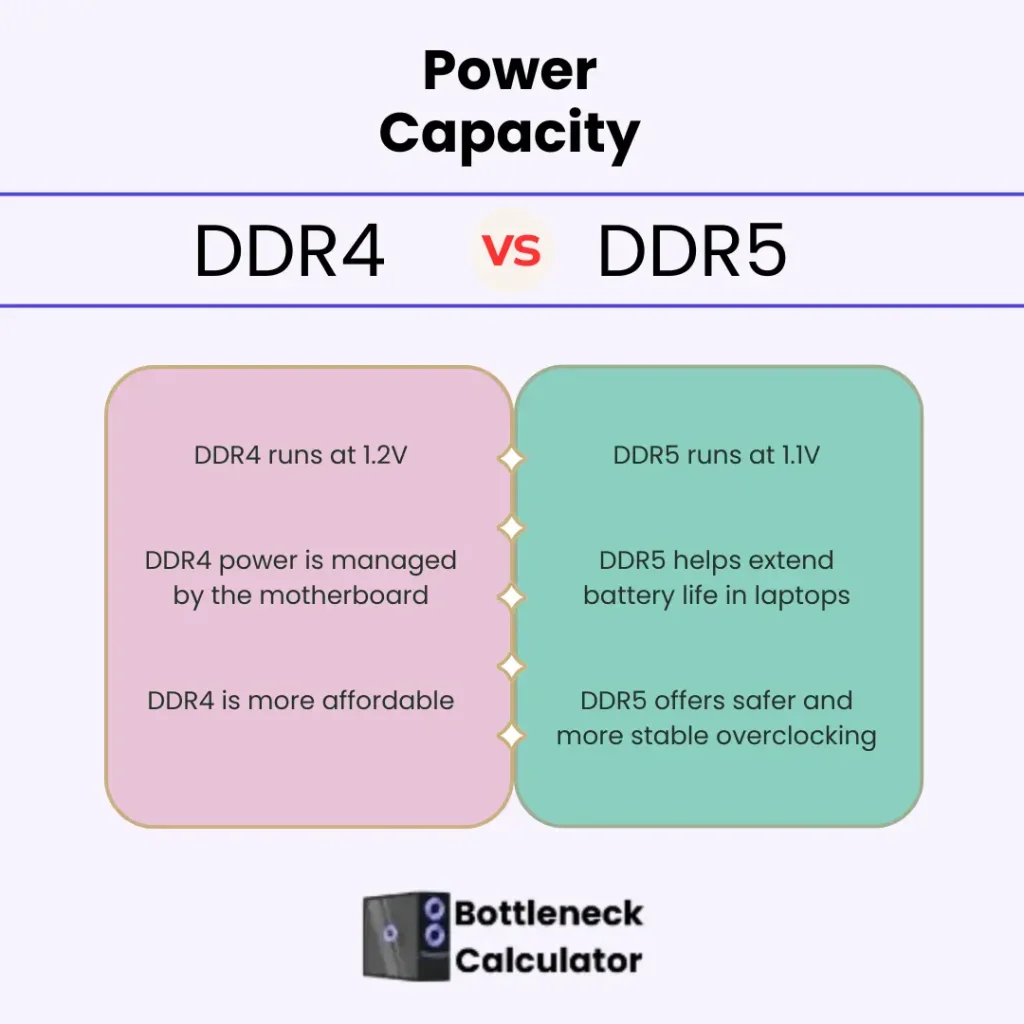
DDR5 RAM operates at 1.1V, while DDR4 operates at 1.2V. Due to DDR5 ‘s design, it has 20 % less power consumption. DDR4 vs DDR5 shows a clear difference in the method of transferring data
The DDR4 method of transferring the data is called SSTL, and DDR5’s method is called PODL. When your system does not work properly, it does not waste your power. It means that DDR5 is more energy-saving than DDR4.
DDR5 has a unique feature of power management integrated circuits. It manages its power itself in the RAM module, while in DDR4, power is controlled by the motherboard. This is a new and modern feature of DDR5, which makes it efficient.
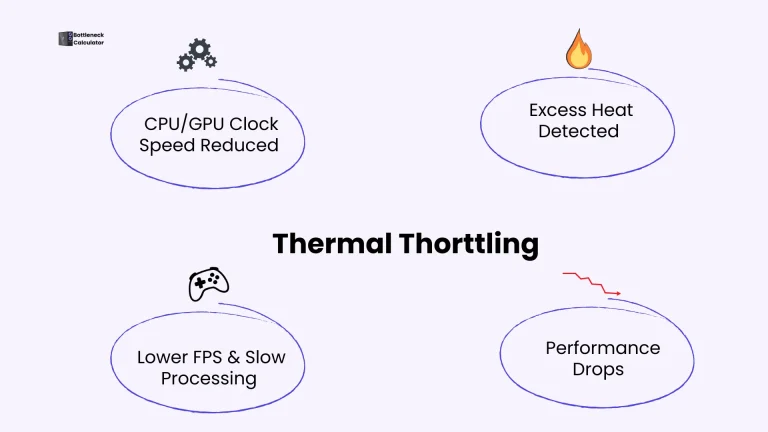
Due to this reason, DDR5 can heat up, but with a proper cooling system, this problem can be resolved. The system remains cool due to its high energy efficiency. DDR5 is the best selection for stable overclocking. But this feature has increased its price.
If you are using a laptop, then its battery runs for a long time. For laptop users, DDR5 provides the best performance in terms of power, but DDR4 is still available in the market at a user-friendly price.
Bandwidth in DDR4 and DDR5
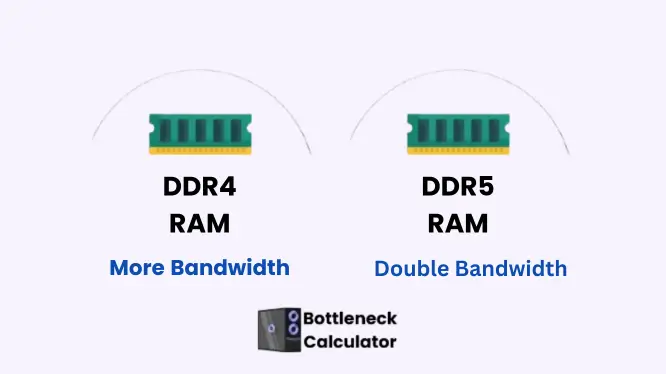
DDR5 provides 50 % more bandwidth than DDR4. This feature is useful for applications that use more bandwidth. DDR5’s 6000 MT/s speed gives the best performance compared to DDR4. You don’t need any high-end RAM, such as 8000 MT/s. DDR5 latency takes the time to start the work.
Is 6000 MT/s DDR5 vs 3200 MT/s: which one is for gaming?
3200MHz is a trustworthy selection for most games and regular work. It is the best choice for a budget-conscious gamer.
However, Many gamers or hardware experts consider the 6000mt/s to be best for gaming, especially when it is used with Intel 13th Gen. Extra speed has no impact on FPS. That’s why 6000 MT/s delivered the best performance with low cost.
Mostly, people preferred it due to its budget-friendly and future-supported features.
Is upgrading to DDR5 worth it for gaming performance?
After viewing the improvement of DDR5, you may be confused about using this RAM in your PC. Here are some points to help you to remove your confusion in making the right decision.
If I described my experience, I never saw so many FPS while testing DDR4 3600 and DDR5 6000. However, in multitasking, DDR5 offers marvelous performance.
Improvement in memory-intensive tasks
If you are working with video editing or 3D rendering, DDR5 can enhance your performance. The extra bandwidth of DDR5 reduces the rendering time and makes the workflow smoother. This RAM is useful for data analysis and scientific computation, allowing you to obtain results in less time.
Upgraded multitasking capability
You can perform multiple tasks with a DDR5 dual-channel architecture. This RAM gives better performance in multitasking. Helps to run various applications at the same time.
Feature of Burst Length
DDR5 transfers double the data compared to DDR4. It is increased from DDR4’s 8 data blocks to 16 data blocks. It means that DDR5 can read more data at the same time.
It also increased the memory speed, which is useful for editing and rendering tasks. DDR5 RAM length is 16, which means that it takes 64 bytes of data at a time. It has some benefits:
- Complete data in one time.
- Enhanced performance in gaming and multiple complex tasks. The system runs without any lag.
On-die ECC
The DDR5 in-built feature is called on-die ECC. It handles the small errors with minimal memory and makes the system reliable. However, this is not as powerful as full ECC RAM, which is used in servers. If you are doing critical work, then use the ECC RAM.
Future-friendly Designed
These days, modern software demands more system resources. DDR5 capability is suitable for supporting future software. So, DDR5 RAM plays an important role in optimising performance in both gaming and professional markets.
DDR5’s power system and PMIC perform the cooperative work to manage the power. That’s why DDR5 can be overclocked safely at a higher speed. It means that you can run it faster than normal speed without any damage.
Requirements Before Upgrading RAM to DDR5 Version
DDR5 offers the best performance, but there are some factors to consider before upgrading RAM.
Expensive
DDR5 is more costly than DDR4, especially when purchasing high-capacity kits. Now, the price of DDR5 has dropped after widespread use of it.
DDR4 vs DDR5 Latency
6000MT/s upgrades their latency from CL40 to CL30, and delivers the best performance without increasing the cost. This is the best selection for budget-conscious users.
One latency result shows that DDR5-4800CL40 RAM speed is higher; its latency to data transfer is very slow, however, it has more speed than DDR4-3200 CL22.
Sometimes this latency has a great impact on the system’s responsiveness. But when you use the DDR5 6400CL36, then this difference in latency is removed. The best RAM can reduce the problem of latency.
Compatibility of DDR5 with the latest motherboards
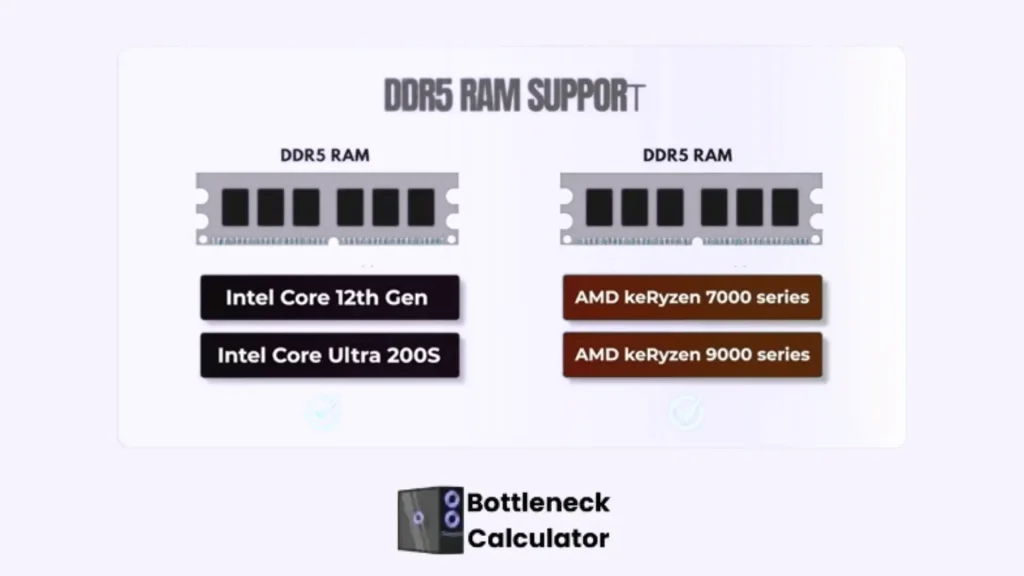
When upgrading to DDR5, its compatibility is more important. Before upgrading your RAM to ensure it works with the latest motherboard. This test confirms that RAM will work smoothly with the motherboard and can be safely overclocked with factory XMP or EXPO settings.
DDR5 RAM supports the Intel XMP3.0, in which you can adjust your favourite memory speed and voltage setting, which can be saved in 5 profiles, while DDR4 saves only two profiles. DDR5 gives more options to customise the RAM settings.
Upgrade other PC’s Components
Upgrading RAM alone is not enough; you also need to purchase a new motherboard and a compatible CPU. So, this upgrade can be expensive for you.
Performance difference in regular work and games
In regular work or some games, you may not notice any change. But in demanding applications or games, the benefits of DDR5 are visible.
In games, the difference between DDR5-6400 and DDR4-3200 is just 1-3%. The DDR5 name looks so fast, but it does not give better performance in games. Different apps, such as Photoshop or Premiere, differ by less than 3% unless you are working on a heavy project. DDR5-6400 is just 11 % faster than DDR4-4000.
Tom’s Hardware benchmark tests show that DDR5 provides 7% better, 10% stronger performance, and 1% lower frame rate than DDR4. DDR5 is expensive but does not give more benefits in games.
However, if you are doing heavy tasks such as data compression, then DDR5 gives a 25-64 improvement and is the best choice for professionals.
DDR4 vs DDR5 Performance by Game Type
Different game genres react differently to RAM speed. Understanding this prevents unnecessary upgrades and improves real performance.
Competitive and esports games rely more on CPU efficiency. DDR4 with good timings delivers stable frame rates. DDR5 shows minimal advantage in these titles.
Open-world, simulation, and strategy games benefit more from DDR5. These games process large data sets. DDR5 improves minimum FPS and frame consistency in such workloads.
Which type of users will benefit from upgrading to DDR5 RAM?
Consider the DDR5 when building a high-end system or when you feel it’s time to upgrade your PC’s specifications. If you are building your PC for AI training, machine learning, or heavy work, then it is necessary to choose the DDR5. CPU cores are increased; they need more data.
DDR4 does not provide the fast memory bandwidth, so its process is slow. DDR5 transfers the data at full speed, which allows modern CPUs give their complete performance, particularly in deep and complex learning.
For Moderate users
If you are using your PC for everyday tasks and sometimes for gaming, then DDR4 provides the best performance in gaming. This RAM is also sufficient for most games. If you’re not playing high-end games, then you don’t need DDR5.
DDR5 Time Frame
Should I upgrade my PC from DDR4 to DDR5?
DDR5 is one of the most significant advancements in the world of technology. However, upgrading your PC to DDR5 depends entirely on your own choice and budget. DDR5 is 57% costly than DDR4, particularly its 8GB module, which increased its value.
However, with time, prices drop significantly. Now, DDR5 is a budget-friendly choice for performance, particularly for Intel’s 12th or 14th generation and AMD platforms, making it a popular selection for new and modern games.
Is it true that the latest generation DDR6 will be released in 2025?
There is no confirmed date for launching the next generation; it may be released in late 2025 or at the start of 2026. DDR6 is in progressive mode, and currently, it is in specification development mode. DDR6 is a high-end memory that will come to market in the next year.
Progress of DDR6
Focused Areas of DDR6
Upgraded Bandwidth of DDR6
DDR6’s minimum speed is 12800 MT/s, and maximum speed is 16800 MT/s in overclocking. DDR6 is much faster than DDR4 and DDR5.
Less power
DDR6 consumes less power than DDR5 because it has a unique dynamic voltage and scaling. DDR6 is manufactured for energy saving, particularly in laptops and mobile phones.
Channels of DDR6
DDR6 will have 4X16 = 64 channels, which are more than the DDR4 single channel. Its memory bandwidth will touch 134.4GB, which is the greatest from DDR4 vs DDR5 vs DDR6.
FAQ’s
Conclusion
DDR4 vs DDR5 is not about marketing numbers. It is about matching your RAM choice with how you actually use your PC. For most gamers, well-tuned DDR4 still delivers smooth gameplay, stable FPS, and excellent value, especially at 1080p and 1440p. It remains the smart choice for budget and mid-range builds where real-world gains matter more than specs on paper.
DDR5 makes sense when performance demands grow. Modern CPUs, newer game engines, heavy multitasking, and memory-intensive workloads benefit from higher bandwidth and better frame-time stability.
While average FPS gains are small today, DDR5 improves consistency, reduces CPU bottlenecks, and prepares your system for future games and software.
The key difference most guides ignore is balance. RAM alone does not boost gaming performance unless it supports the CPU–GPU relationship. Choosing the right speed, capacity, and platform compatibility matters more than chasing the latest generation. That is where many users overspend without real gains.
If you already own a strong DDR4 system, upgrading RAM alone rarely makes sense. If you are building new or planning long-term upgrades, DDR5 offers cleaner scalability and longer platform life. The right choice depends on your build goal, not the hype.