How Thermal Throttling Causes a Hidden Performance Bottleneck
Learn how thermal throttling impacts performance with a comprehensive guide to checking CPU throttling, hidden bottlenecks, and advanced troubleshooting strategies.
Introduction
Modern PCs and laptops are powerful, but many users experience sudden slowdowns without understanding the root cause. One hidden cause behind this issue is thermal throttling.
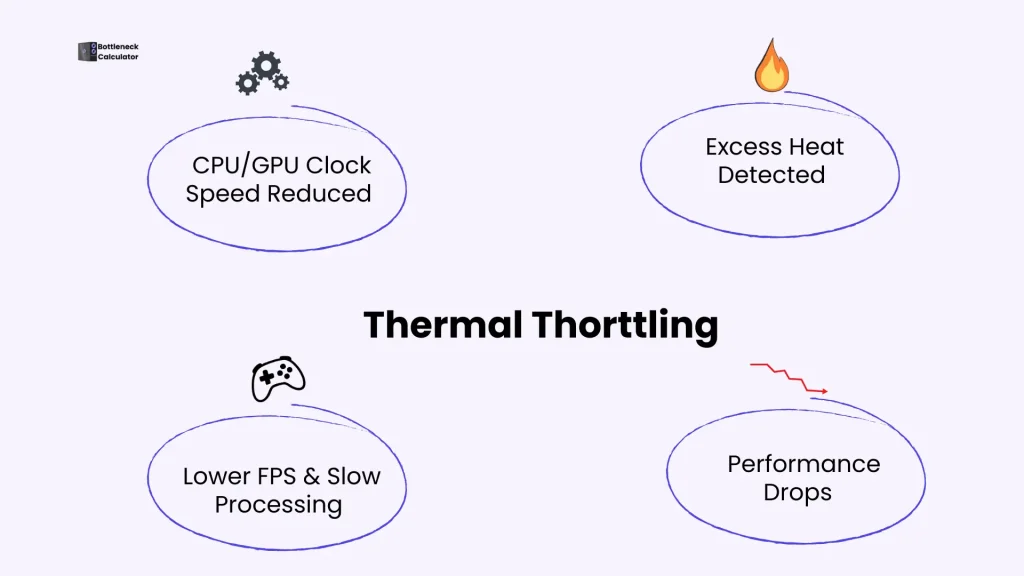
During gaming, video editing, or heavy workloads, excessive heat forces the CPU and GPU to reduce their performance to protect hardware components. Users often notice lag, lower frame rates, or slow processing without realizing CPU and GPU performance limits caused by overheating are responsible.
This guide explains thermal throttling clearly and practically. You’ll learn how it works, how to detect it, what causes it, and how to fix it properly to restore full system performance.
What is Throttling?
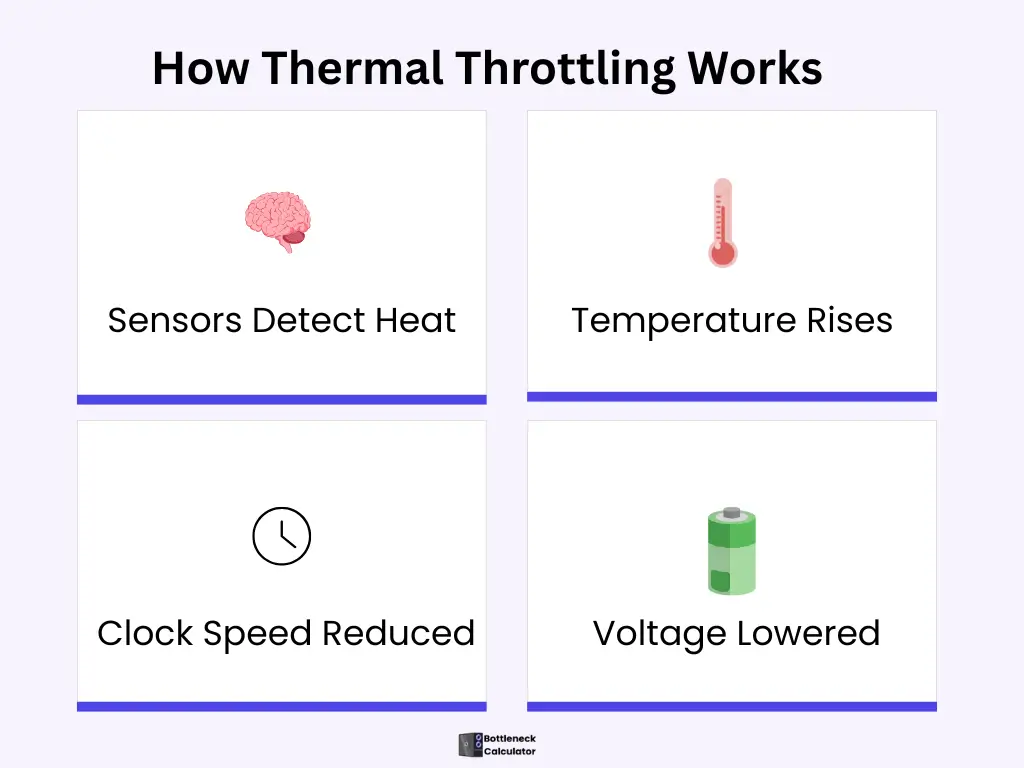
Throttling is a built-in control mechanism used by modern CPUs and GPUs to manage heat and power. When a processor reaches unsafe temperatures, it automatically reduces clock speed and voltage to prevent damage.
Performance throttling specifically occurs when temperatures approach the maximum safe limit. At that point, performance is reduced to lower heat output to protect hardware components.
What is CPU Thermal Throttling?
CPU temperature control works as a safeguard mechanism that automatically decreases performance to reduce heat. If the processor’s temperature crosses the limit, the system will lower the clock speed and voltage of the CPU to reduce the extra heat.
If you buy a new PC, then it is necessary to understand that every PC has a protection system, which is called thermal throttling. This safety system protects the component from excessive heat damage.
When the PC’s CPU and GPU generate more heat than their normal operating temperature, the heat protective system is automatically activated, which reduces the component activity to normalize its temperature.
This process protects the hardware from heat damage, and it has a great impact on PC performance.
How do High Temperatures reduce the CPU/GPU Performance?
Let’s see how performance throttling works on CPU and GPU:
How to tell if your CPU is Thermal Throttling: A Hidden Bottleneck
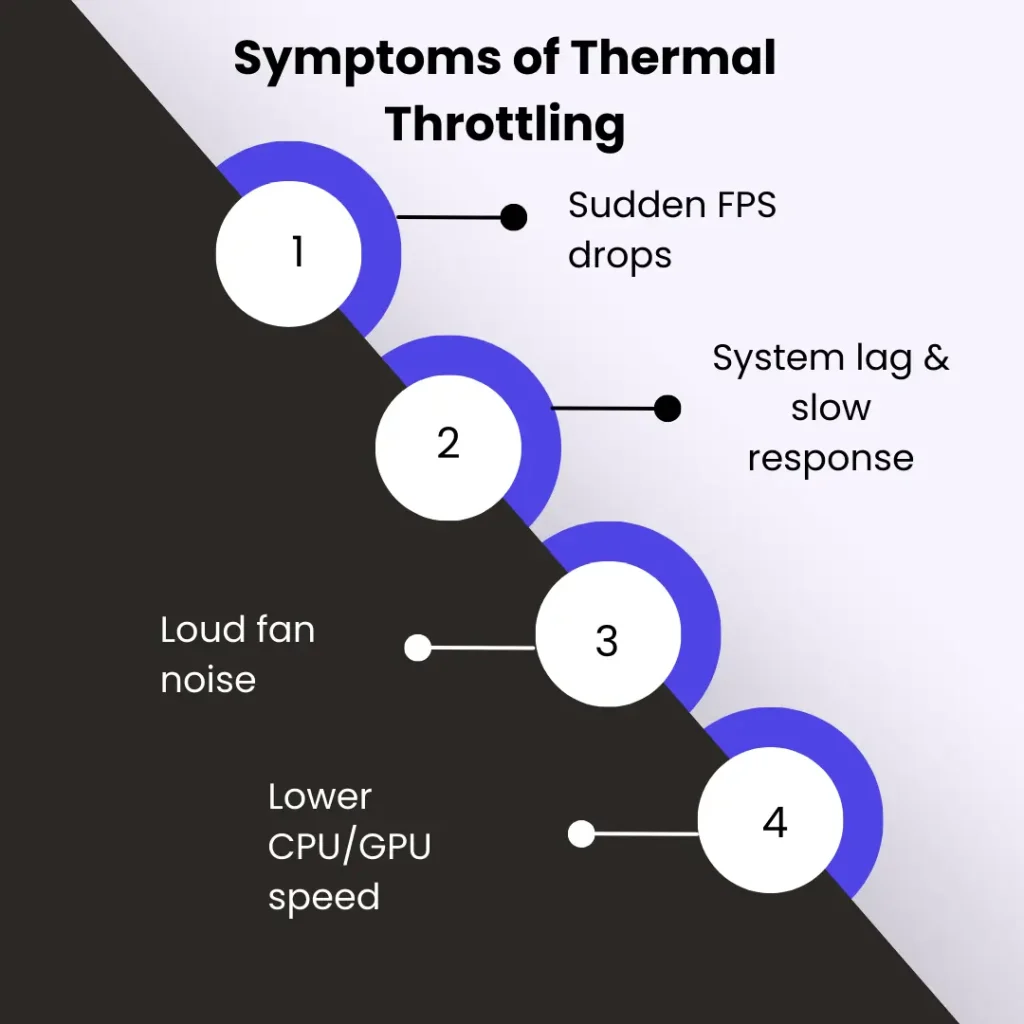
Many users discover performance issues when their system suddenly becomes slow. This hidden bottleneck reduces efficiency during demanding and complex tasks.
Common Symptoms of Thermal Throttling
How to check CPU Throttling?
Check the CPU Throttling with the use of monitoring software, including Intel Extreme Tuning Utility, HWiNFO, to analyze the CPU temperature under pressure.
Run a benchmark stress test to check if the CPU can run at full load. If the clock speed decreases while the temperature increases, it means that the CPU is throttling.
Another easy way to check CPU throttling is to install the CPU monitoring tool to analyze the temperature for various spikes. Open Hardware Monitor and Core Temp are the lightweight and famous tools to check the processor temperature.
You can use a tool such as MSI Afterburner to see the CPU and GPU temperature. You can also use our PC bottleneck calculator to check the performance of the CPU and GPU.
Real-World Example of Thermal Throttling
During real-world stress testing, many systems show a noticeable drop in CPU clock speed after a few minutes under full load. Initially, performance remains high, but once temperatures rise, clock speeds decrease automatically. This confirms thermal throttling is active, even when no error or shutdown occurs.
Causes of the Thermal Throttling
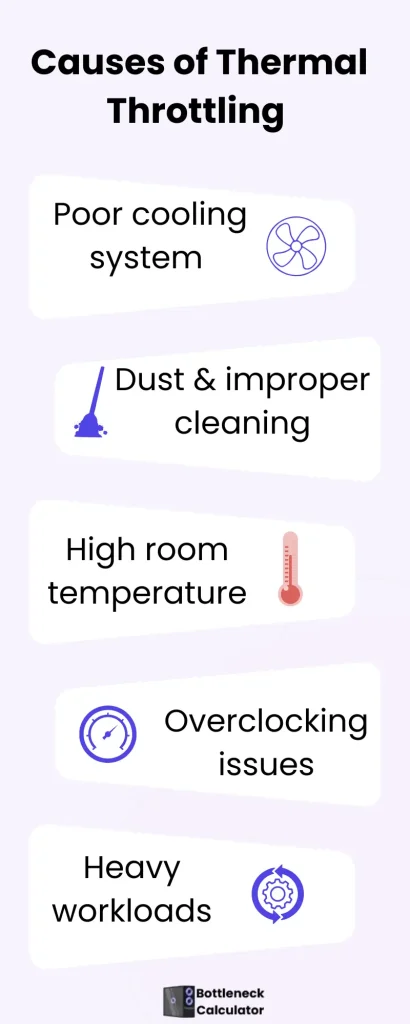
Some common reasons behind CPU and GPU performance slowdown are described below:
Insufficient Cooling Management
A weak cooling system is unable to dissipate heat from your system, causing the CPU and GPU to reduce their performance to protect the hardware.
Improper Cleaning
The fan is not working properly to exclude the heat due to dust and improper cleanliness. Clean your PC every 3 to 6 months; if you are in a dusty area, then clean your PC more.
Increased Ambient Temperature
In a high-temperature environment, the system struggles to stay cool, which can reduce overall CPU performance. If your room temperature increases by 1 °C, your CPU temperature will also rise. Maintaining a cool room environment helps prevent CPU performance reduction caused by overheating.
Overclocking issues
Sometimes, the system heats up during overclocking and is forced to reduce performance to protect the hardware. During overclocking, the CPU heats up.
Poor Airflow
If your system has poor airflow, heat remains trapped inside the system, leading to performance and overheating issues.
Multiple Complex tasks
When Heavy games, modern software, and video editing run on one PC, they put an extra load on the CPU. The processor heats up and creates the performance issue.
Malware and Background Processes
Some undetected viruses and background processes also use more CPU resources and put extra pressure on the system, which can lead to performance slowdowns due to overheating.
Power Cable Issues
The power cable should be adjusted properly. Loose or scattered wires can disrupt the power supply and cause performance instability due to insufficient power delivery. To avoid this issue, all cables should be properly tied and arranged to ensure a stable and efficient flow of electricity.
How to reduce the CPU temperature and Fix Thermal Throttling
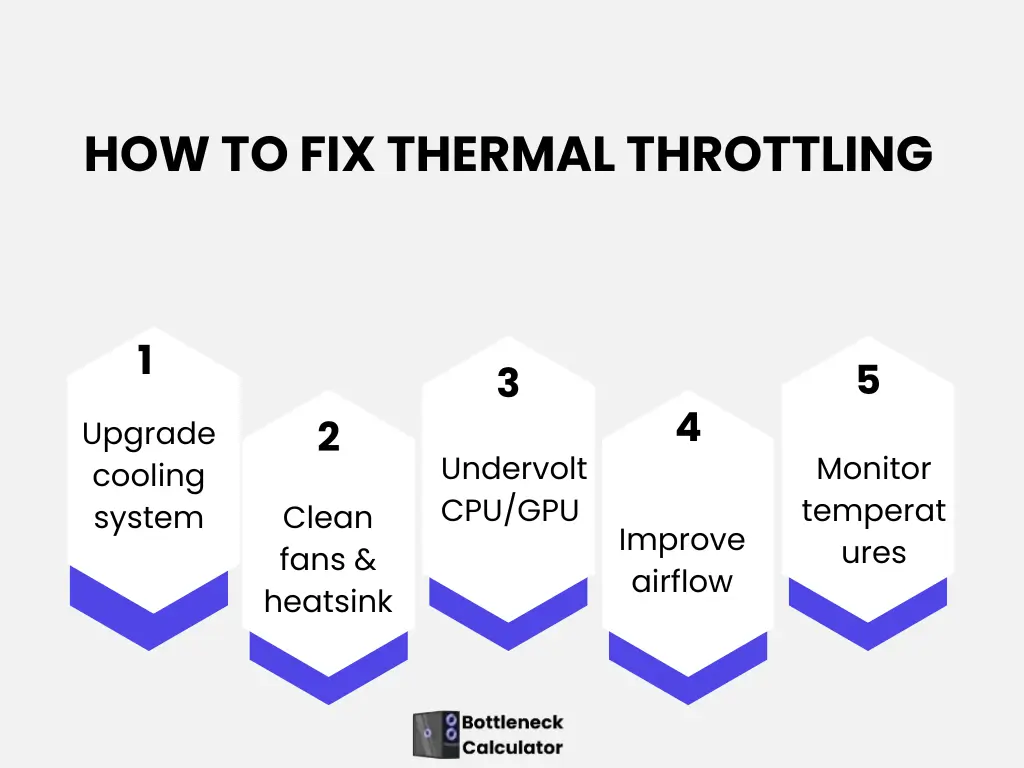
Follow these steps:
CPU Cooling Mechanism to Reduce Throttling
Three types of cooling systems can be used to remove the CPU throttle.
Air Cooling
Use the fan and heatsink to prevent performance reduction caused by overheating. Case fans can be used to improve the airflow for cooling.
Liquid Cooling
AIO is an in-built all-in-one liquid cooling system. Its adjustment is very easy and time-saving.
Passive Cooling System
In passive cooling, a large heatsink is used to manage excess heat and maintain stable performance, but this method is best suited for low-end CPUs and not for high-end processors.
What is a Dangerous CPU Temperature?
See this table to analyze the average computer temperature or how hot your CPU and GPU should be:
| Hardware | Normal Range | Dangerous Range |
| CPU | 40-65 | 80- 100 |
| GPU | 50-70 | 90-105 |
CPU Thermal Throttling in Laptop and Mobile Devices
Performance-related slowdowns can have different causes depending on system size, performance level, and device type. Some common issues in laptops and mobile devices are discussed below:
FAQ’s
Conclusion
Thermal Throttling protects your PC from heat damage, but also slows down your system. If you understand this issue and solve it, then your CPU and GPU will perform well. If your system remains cool, then your hardware lasts long-term.
So, when you make the full load of your PC, take care of these hidden bottlenecks and manage the proper cooling system for your PC. This comprehensive guide is based on trusted test results that are mostly used in industry tools. You should follow the hardware company’s protective guidelines.