How DirectStorage Will Affect the Future of Gaming Load Times
Discover how Microsoft DirectStorage transforms gaming with faster load times and GPU-driven technology, moving the future of gaming speed and performance.
Introduction
Modern PC games have become more detailed and immersive, but long loading screens still remain one of the biggest frustrations for gamers. However, loading times and data management continue to challenge players, especially in large open-world titles.
No player wants to wait through loading screens or experience stutters when entering large open-world environments.
Over the past few years, I have closely followed how storage and GPU technologies impact real gaming performance, especially load times and open-world streaming.
While testing modern NVMe-based systems and comparing real loading behavior in modern games, DirectStorage clearly stood out as a major shift in how data moves inside a gaming PC.
After testing several NVMe-based systems and comparing real loading behavior in modern games, it became clear that assetstreaming changes how data moves inside a gaming PC.
What is Microsoft DirectStorage Technology?
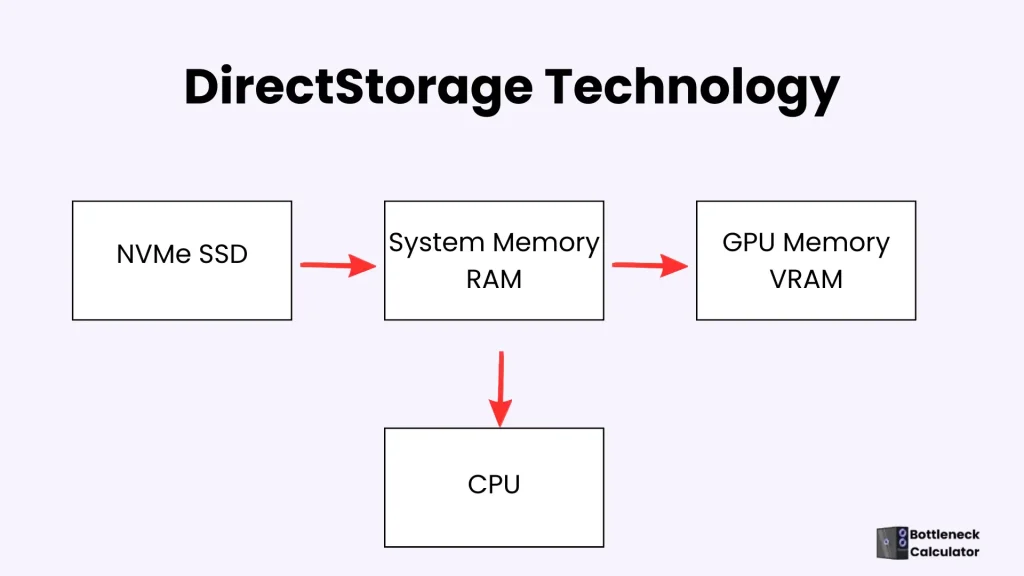
Microsoft DirectStorage is a modern API designed to reduce game loading times by improving how data moves from storage to the graphics card. Originally introduced with the Xbox Series X|S, this technology is now available on Windows 10 and Windows 11.
It allows high-speed NVMe SSDs to send data directly to the GPU, minimizing CPU involvement and improving overall efficiency. As a result, games can load assets faster and stream large worlds more smoothly.
In a 4 K game, the GPU works more; therefore, a mid-range CPU is best for it. That’s why a strong CPU is essential for achieving the highest gaming performance and smooth gameplay.
How does Microsoft Direct Storage technology work?
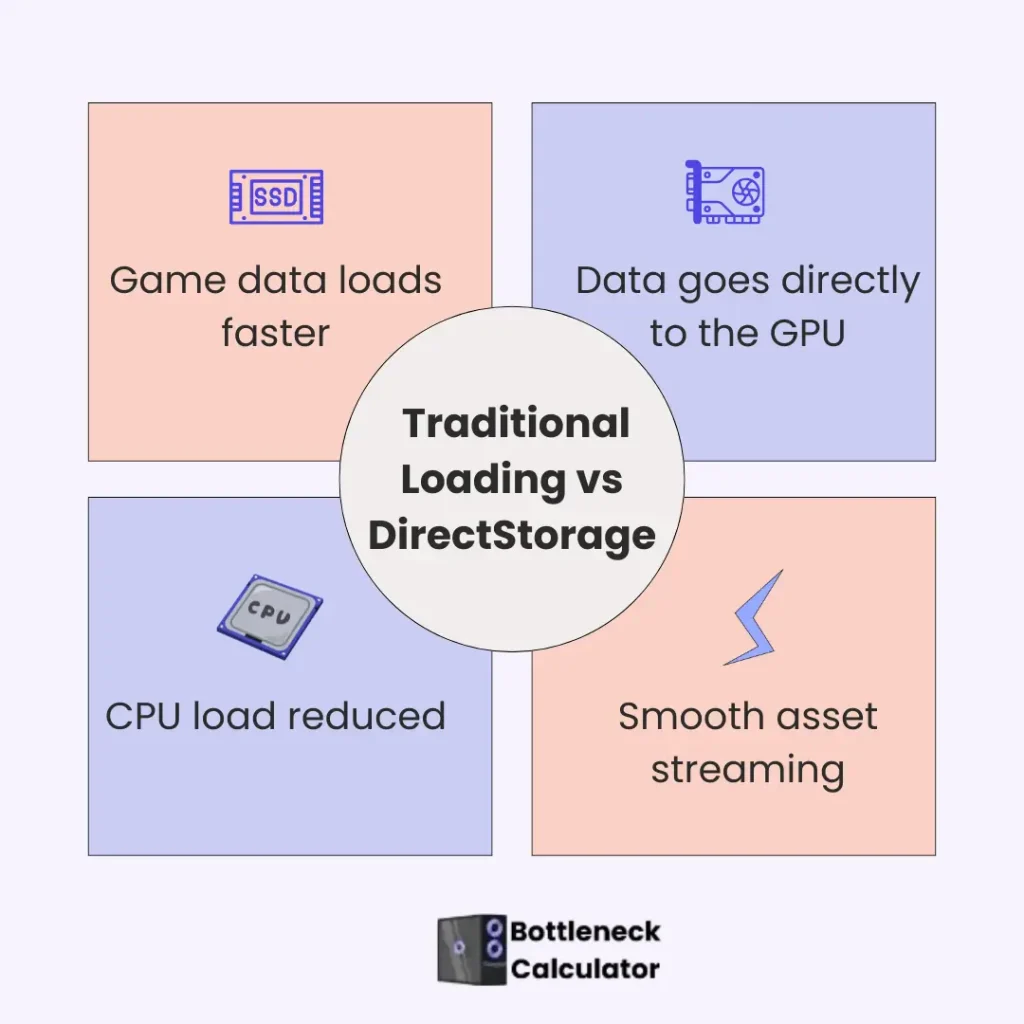
Traditionally, game data is loaded from storage into system memory, processed by the CPU, and then sent to the GPU. This process creates delays in large modern games.
simplifies this workflow by allowing compressed data to move directly from an NVMe SSD to the GPU. The GPU then handles decompression using optimized methods such as BCPACK or DEFLATE, reducing CPU workload and speeding up load times. This approach allows hardware resources to be used more efficiently during gameplay.
Direct Storage History
In the early days of this technology, GPU compression was not part of it; however, it was launched in DirectStorage 1.1 in November 2022. In April 2023, Microsoft launched the buffered IO mod with DirectStorage 2.1, which is used to transfer data quickly from HDDs.
Impact of Microsoft’s DirectStorage on the Future of Gaming Performance
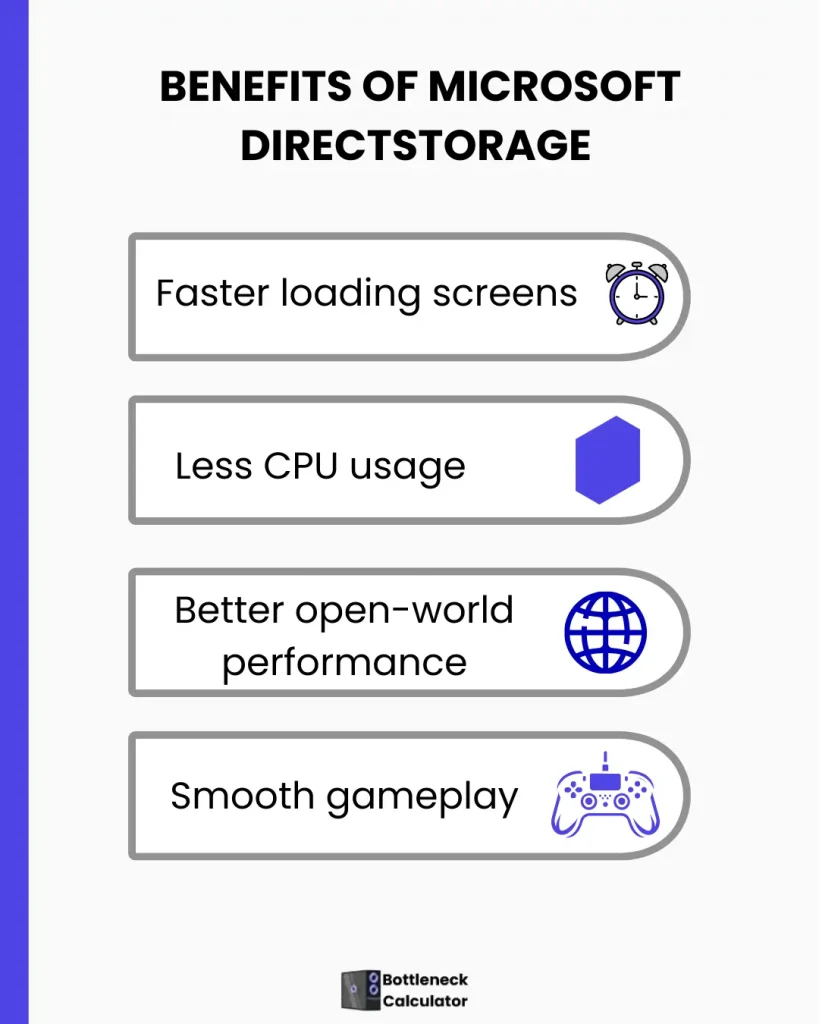
A Microsoft technology will have a great impact on the future of gaming performance. However, it is clear from the above discussion that direct Storage has the most capability to improve your PC performance when it is launched; its effect can be seen in these things:
Instant Loading Times
This Storage loads game assets in smaller chunks, allowing levels and environments to appear significantly faster without long loading screens. For example, the Forspoken download takes 2 seconds.
Direct Storage CPU Overhead Decreased
This Direct technology of Microsoft reduces the 20% to 30% CPU load. The CPU uses this power to handle other important things to run the game smoothly.
Early benchmark testing on modern systems suggests that storage can process tens of thousands of data requests per second while keeping CPU usage relatively low compared to traditional loading methods.
Under traditional Win32-based loading methods, most of this data processing was handled by the CPU, which often caused performance slowdowns in modern games. In Direct storage, this work is done more efficiently and properly without using the full power of the CPU.
Upgraded Content Streaming
This memory storage efficiently transfers the data. It improves the graphics, detail, and game runs without any disturbance.
GPU Decompression
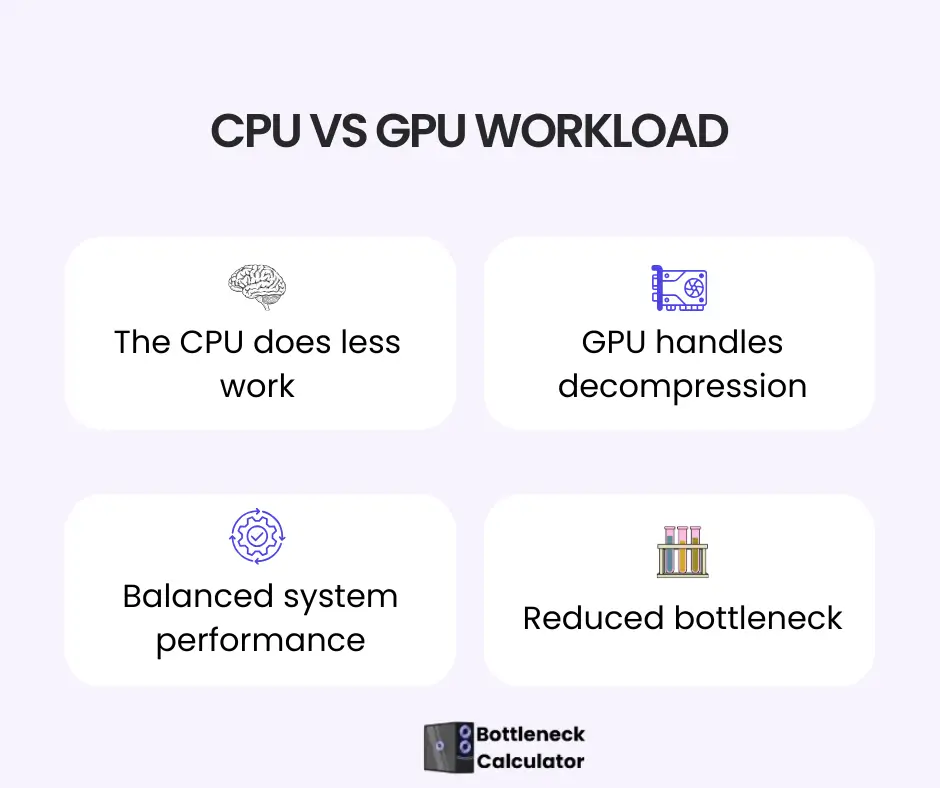
With this technology enabled, the GPU takes over data decompression tasks, reducing CPU workload and speeding up asset loading during gameplay. GPU decompression improves loading performance by shifting data processing away from the CPU.
However, in graphics-heavy scenarios, this additional workload can slightly impact GPU performance on older or lower-end cards. Future GPUs are expected to manage this task more efficiently through dedicated hardware, making the technology more stable over time. This step improves overall stability and speed.
GPU decompression improves loading performance by shifting data processing away from the CPU. However, in graphics-heavy scenarios, this can place additional workload on the GPU. In some cases, older or lower-end graphics cards may see minimal gains.
Future GPUs are expected to handle this task more efficiently through dedicated hardware, making the technology more stable and effective over time.
Real-World GPU Benchmark Result
Intel and Microsoft optimized version 1.1 for Intel GPUs. The result of testing storage speed on the Arc A770 GPU with the Core i9-12900K CPU shows that:
In benchmark testing on modern Intel platforms, up to 2.7× higher data throughput was observed, with bandwidth increasing from roughly 8 GB/s to over 21 GB/s when compared to older loading methods.
This result clearly shows that the technology not only reduces loading times but also handles game assets more efficiently on SSDs.
Early benchmark tests conducted on modern Intel platforms show noticeable improvements when this feature is enabled. These tests indicate faster asset loading and higher data throughput compared to traditional methods.
While results vary depending on hardware and game optimization, the overall trend confirms that loading delays can be significantly reduced on systems equipped with fast NVMe SSDs.
Data Handling
DirectStorage allows thousands of small game files to be processed simultaneously, which significantly reduces loading delays and improves overall responsiveness.
This allows thousands of data requests to be processed efficiently, reducing system load and improving overall game responsiveness. The CPU and GPU work properly in cooperation. It runs the games smoothly without lag.
Game developers also get the benefits of Direct Storage. They can quickly download the game level with high-quality textures and with a more realistic 3D world without putting an extra load on the CPU and GPU.
The developer can use the various reminders, including GPU fence, event handle, or status block, to discover whether gaming data is fully loaded or not and ensure the screen transition without stutters. Now, the GPU unzips the data, which increases the development speed and improves the gaming performance.
Load the Important Data First
It facilitates loading the important data first, while less important data is downloaded later. This process increases the speed of your game and system.
Memory Decompression
This Storage memory directly compresses the data without the need to read from the SSD again. It saves time on scene changes.
How DirectStorage Helps Reduce Storage Bottlenecks in Modern PC Games
Modern games often suffer from storage bottlenecks when the CPU cannot process large volumes of game data quickly enough. This usually results in long load times, texture pop-ins, or stuttering during gameplay.
Direct Storage improves this by allowing data to move directly from fast NVMe storage to the GPU, reducing CPU workload and speeding up asset streaming. Minimizing these delays, it helps balance CPU and GPU usage more effectively.
For systems analyzed with a bottleneck calculator, this technology can reduce storage-related performance limits, leading to smoother gameplay and more consistent performance in open-world games.
Advanced Features of Direct Storage
Some advanced features of DirectStorage are described below:
PC’s Hardware Requirements For Direct Storage
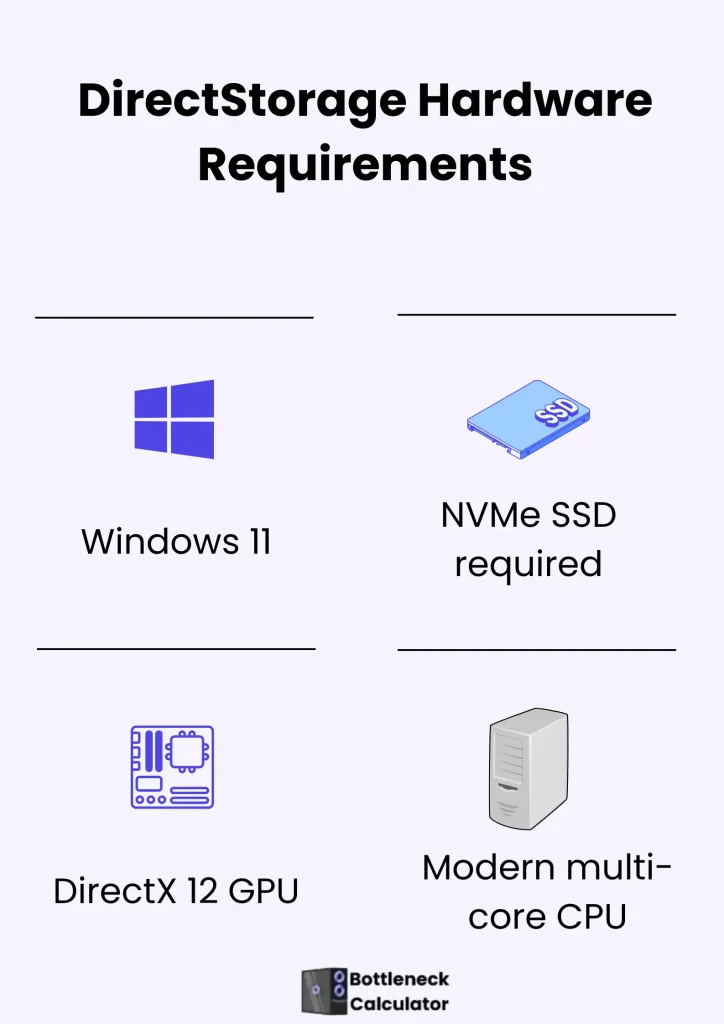
Here are some requirements that your PC should have:
Operating System
Your PC must have Windows 11 to get the proper benefits of Direct Storage. This file handles the I/O, which reduces the CPU’s load. This API also works in Windows 10 version 1909, but with fewer features.
Storage
Your PC should have an NVMe SSD that uses the PCIe 3.0 version so that games give the best performance. PCIe 4.0 NVMe SSD is faster than PCIe 3.0 and SATA. This storage works with its full power of PCIe 4.0 for instant downloading. NVMe SSD should have “Standard NVM Express Controller”.
SSD manages the millions of tiny data requests, which are known as IOPS. It monitors how quickly the game loads and displays on the screen.
GPU
Your PC graphics cards should support DirectX 12 and be compatible with Shader Model 6.0.
CPU
A modern multi-core CPU is recommended to ensure smooth performance and proper coordination with the GPU during DirectStorage operations. For that, Nehalem or a later processor is compatible.
Window Update
Microsoft clearly states that to get the proper benefit, your Windows 11 should be updated. Your GPU drivers should be updated and optimized, and should be properly applied.
Recent Challenges in High-Performance Game Storage
This advanced loading technology is a powerful feature for some games, including Forspoken and Forza Motorsport, which actively take advantage of it. However, many games, such as Synced, EA Sports FC 24, and Diablo IV, include this system in-game but fail to utilize it properly. This technology requires major changes in the overall game architecture.
Game development already takes a significant amount of time. Microsoft continues to enhance this high-performance loading API, releasing updates from version 1.1 to 2.1. These improvements help boost game loading speeds and overall performance.
Best PC Game list that supports High Speed Storage
Forspoken is the first PC game to use this advanced loading technology. After that, several other titles also started benefiting from this modern streaming system, including Avatar: Frontiers of Pandora, Synced, Diablo IV, Ratchet and Clank: Rift Apart, Hunt: Showdown, and New World.
Forspoken’s loading time is around 2 seconds even on a slow SSD; however, some developers observed that because of extremely fast loading, the game’s visuals appeared slightly less realistic than before.
Ratchet & Clank: Rift Apart also supports this high-speed data streaming solution. Its graphics quality and loading performance are outstanding. At launch, some users reported that removing certain related system files improved the game’s smoothness.
Later, the developers fixed these technical issues. This clearly shows that the new loading architecture is very powerful, but during the early stages, it can come with bugs and performance problems.
In the future, upcoming games like Monster Hunter Wilds will also adopt this next-generation loading technology, which is expected to revolutionize game streaming and drastically reduce loading times.
How to enable DirectStorage on Windows 11
Below is the method for using the Xbox Game Bar to check whether your pc enables or supports the Direct Storage technology or not:
Limitation of Direct Storage
While DirectStorage offers major performance improvements, its benefits depend heavily on hardware and game support. Systems using SATA SSDs or older GPUs may not experience significant gains.
Additionally, not all games are currently optimized to fully use this technology. As adoption increases, performance consistency is expected to improve, but at present, results can vary from game to game.
FAQ’s
Conclusion
Microsoft DirectStorage technology improves the gaming experience. This API handles the game data efficiently and reduces the load on the GPU and CPU. It also helps to decrease the problem of the bottleneck.
This technology is under development, but users are waiting to get the proper benefit of this powerful technology. While DirectStorage is still evolving, it already demonstrates how modern storage and GPU technologies can reduce loading times and improve overall gaming performance.