Choose the Best CPUs for Gaming to Boost PC Performance📺
Learn how to choose the best CPUs for gaming to boost your processor speed and efficiency, minimize the risk of crashes and lags, and optimize your PC’s performance for smooth gameplay.
Introduction
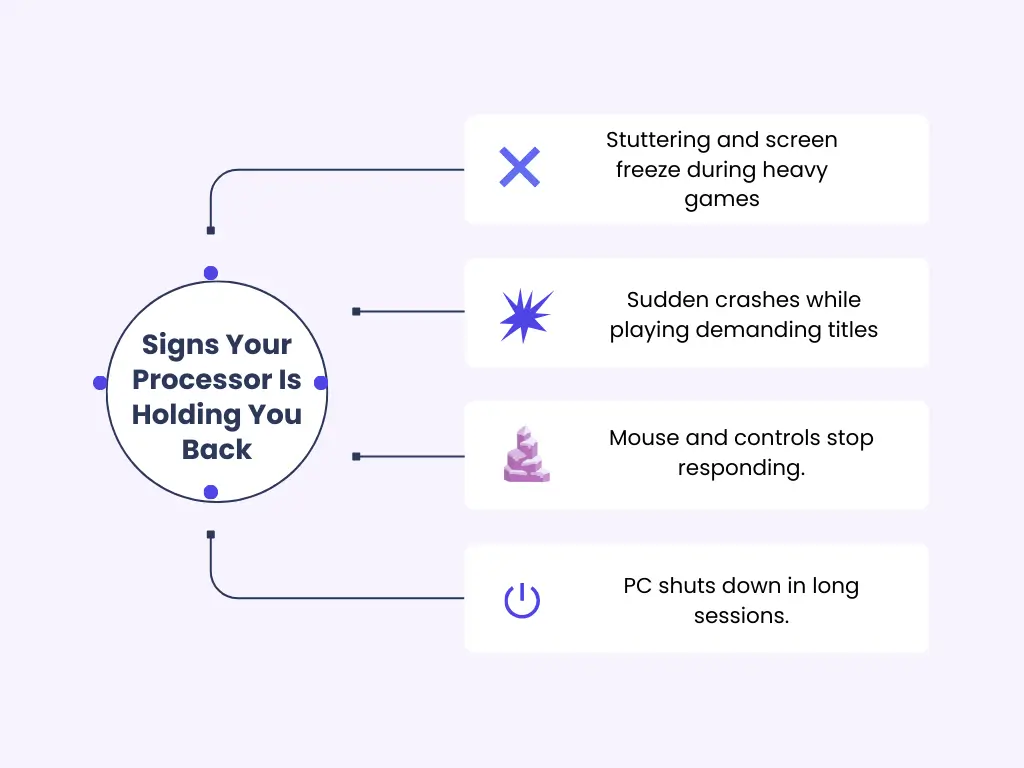
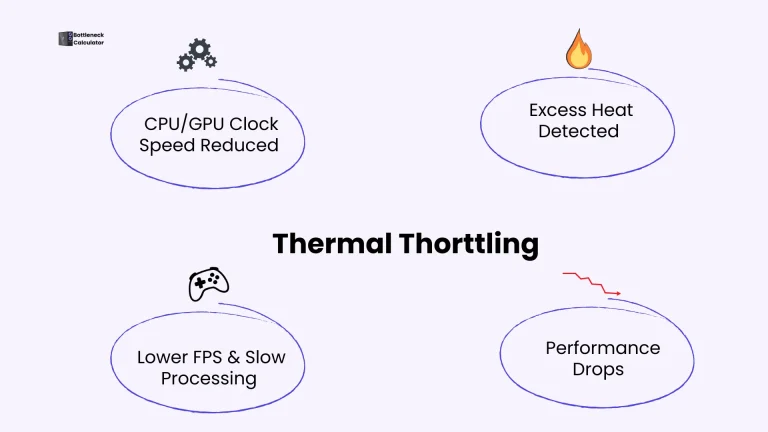
While playing my demanding games, I felt the game begin to slow down. The video started to stutter, render, and suddenly crash. I was surprised to see that my screen and mouse were completely frozen, and my PC shut down.
After conducting extensive research, I have finally identified the root causes of these problems. My outdated CPU wasn’t enough for heavy games. Thus, I select the best CPU for a gaming PC. It is my honour and pleasure to share my experience with you and help reduce the ambiguity in choosing the best CPUs for gaming.
In this article, I will describe a complete guideline and my intensive research on selecting the best gaming CPUs. Let’s discover the characteristics as well as a comprehensive comparison of AMD and Intel processors to understand which one is best for enhancing PC gaming enhance your performance.
What Does a CPU Do For Gaming?
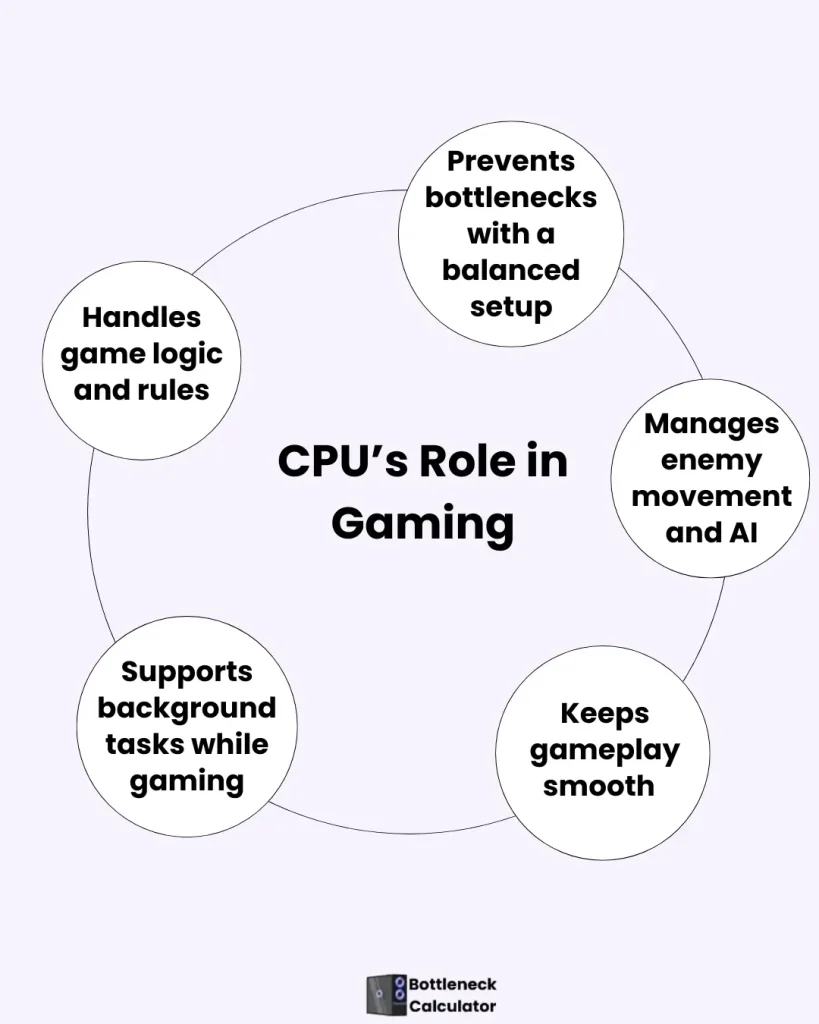
The CPU means it is the brain of the computer. It controls all the tasks of the computer while playing games, like enemy movements, gaming speed, and rules. If your CPU is strong, then your game runs smoothly. When your CPU does not work equally to the GPU, then it creates a bottleneck.
For example, if you put an RTX 4080 GPU with an old Intel i5 CPU, then the GPU doesn’t perform particularly well at 1080p gaming. Recently, games have used the extra core Ryzen7 7700X, which is best suited for it.
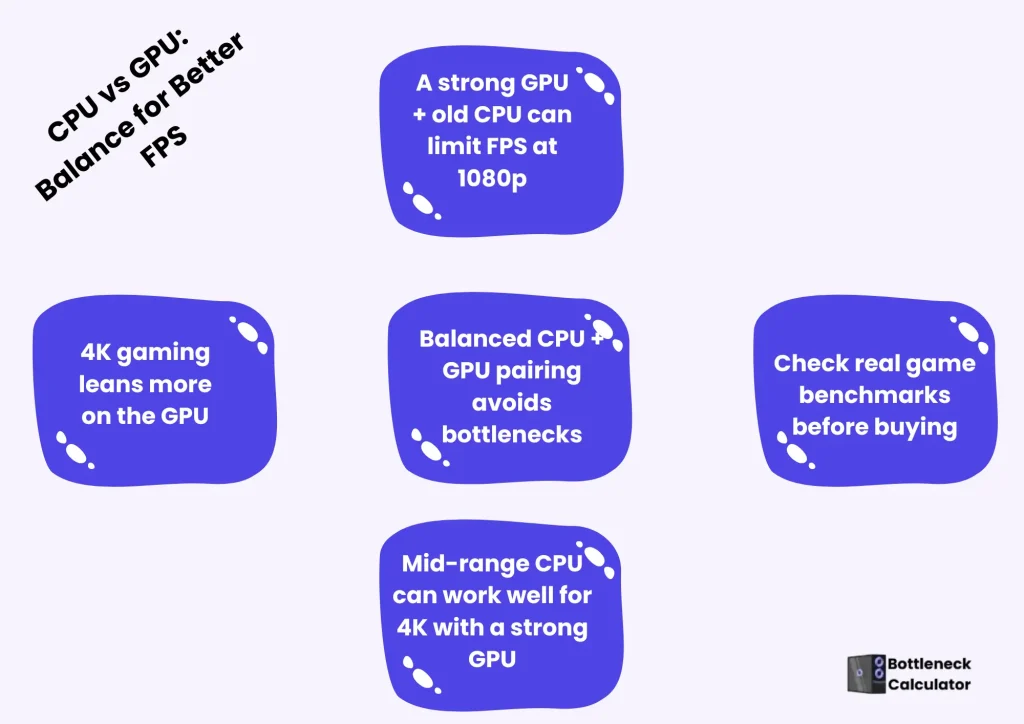
In a 4 K game, the GPU works more; therefore, a mid-range CPU is best for it. That’s why a strong CPU is essential for achieving the highest gaming performance and smooth gameplay.
Minimum CPU Requirement for RTX 4080 Gaming
The RTX 4080 is a high-end graphics card, and pairing it with a weak processor will cause a serious performance bottleneck. To get the full power of this GPU, your CPU must be strong enough to handle game logic, physics, and background processes without slowing the system.
For 1080p and 1440p gaming, the CPU matters even more because the graphics card can render frames faster, putting extra pressure on the processor.
Minimum recommended CPUs for RTX 4080 gaming:
Older quad-core or early-generation processors may run games, but they will limit frame rates and cause uneven performance. For competitive or high-refresh-rate gaming, a strong CPU is essential to avoid frame drops and input lag.
A balanced RTX 4080 system always performs better than a setup where one component outpaces the other.
How To Choose The Best CPUs For Gaming
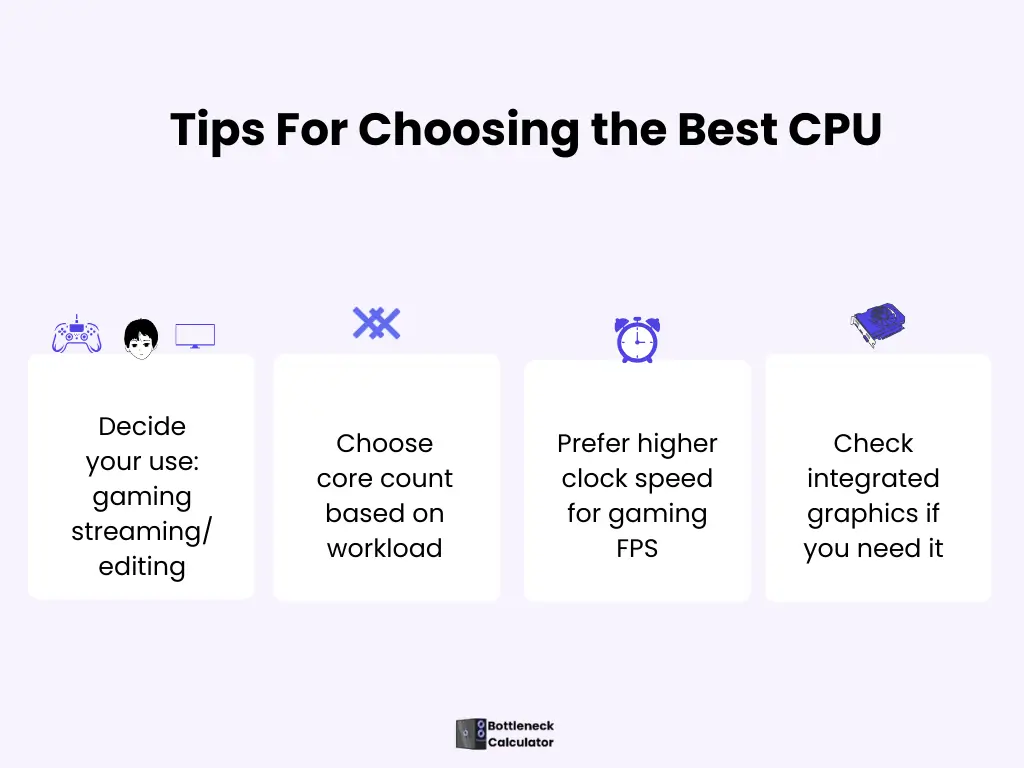
Usage Of CPU
First of all, decide your usage purpose of CPU, whether you just want to play a game or want to stream and do video editing. Also, decide whether you will use a laptop or a desktop.
Bonus Tips: Gaming laptops deliver a good performance, but desktops give you a more powerful and advanced option.
Core Count And Clock Speed of CPU
CPU performance depends on two things:
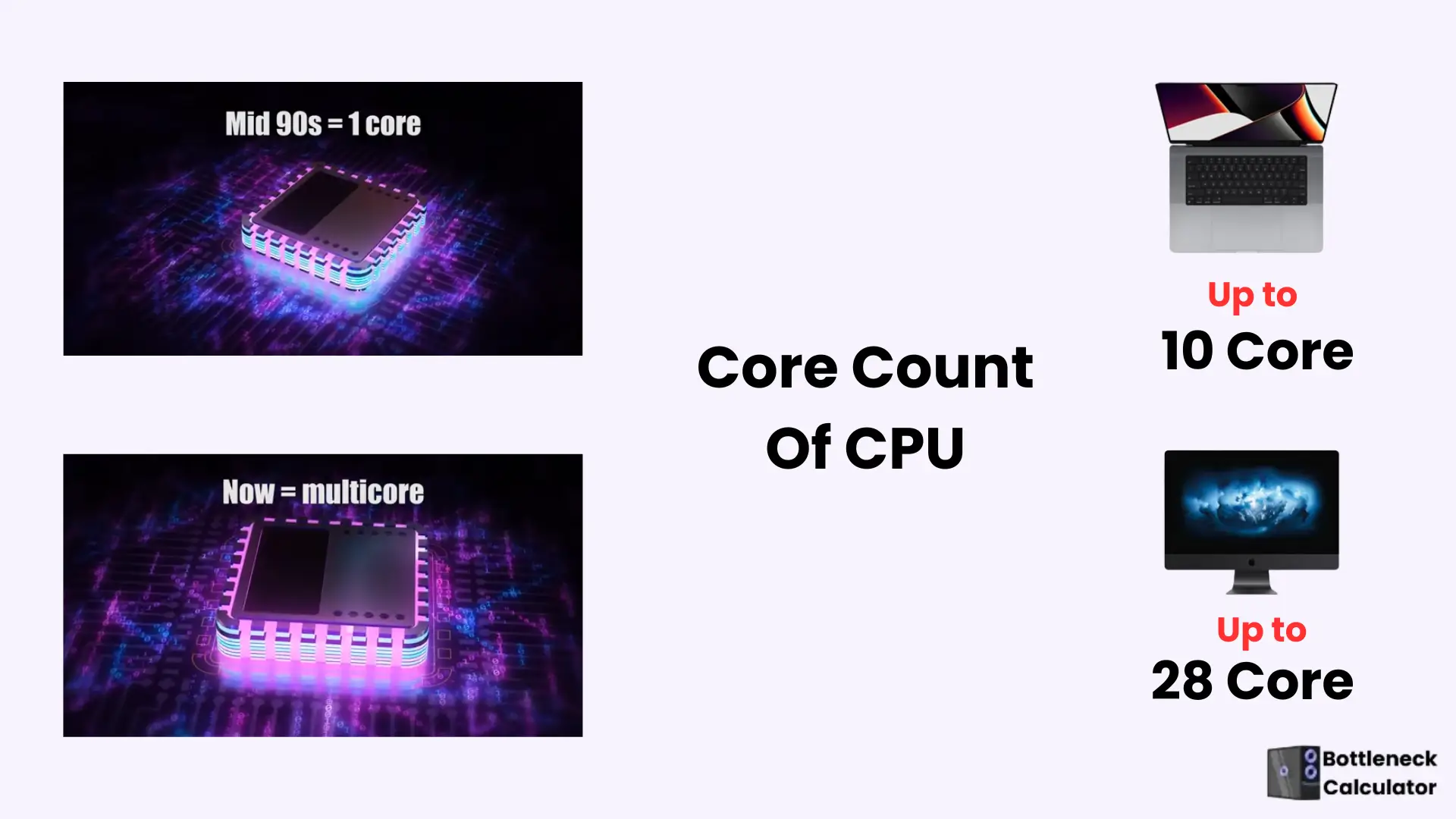
Core Count of CPU
Clock Speed
Best Integrated Graphics CPU
Some CPUs have integrated GPUs and work without a separate graphics card. It is useful in video editing. This feature is not available in the Intel F-series CPU. The balance between CPU and GPU is essential for gaming.
Best Processor For Laptops
In gaming laptops, the H or HX series is available for high performance and battery optimization.
Overclocking CPU
You can manually overclock Intel’s K series to boost your performance. A proper cooling system and motherboard are essential for overclocking.
Check Benchmark
At the last stage, don’t forget to check the benchmark. Write the name of the game and the CPU name in the Google search bar. Also, use ourbottleneck calculator to analyze CPU and GPU performance. If you decided to upgrade your GPU, don’t forget my guide on the best GPU for a gaming PC.
Ideal CPU Specs for Gaming in 2026
Choosing the right gaming CPU is not just about brand names or high GHz numbers. A well-balanced processor delivers consistent performance across different games and resolutions.
Here are the ideal CPU specifications for modern gaming:
A CPU with these specs ensures smoother gameplay, faster loading times, and better performance during intense scenes. Instead of chasing raw numbers, focus on real-world balance and compatibility with your GPU.
Is 3.10 GHz Good for Gaming?
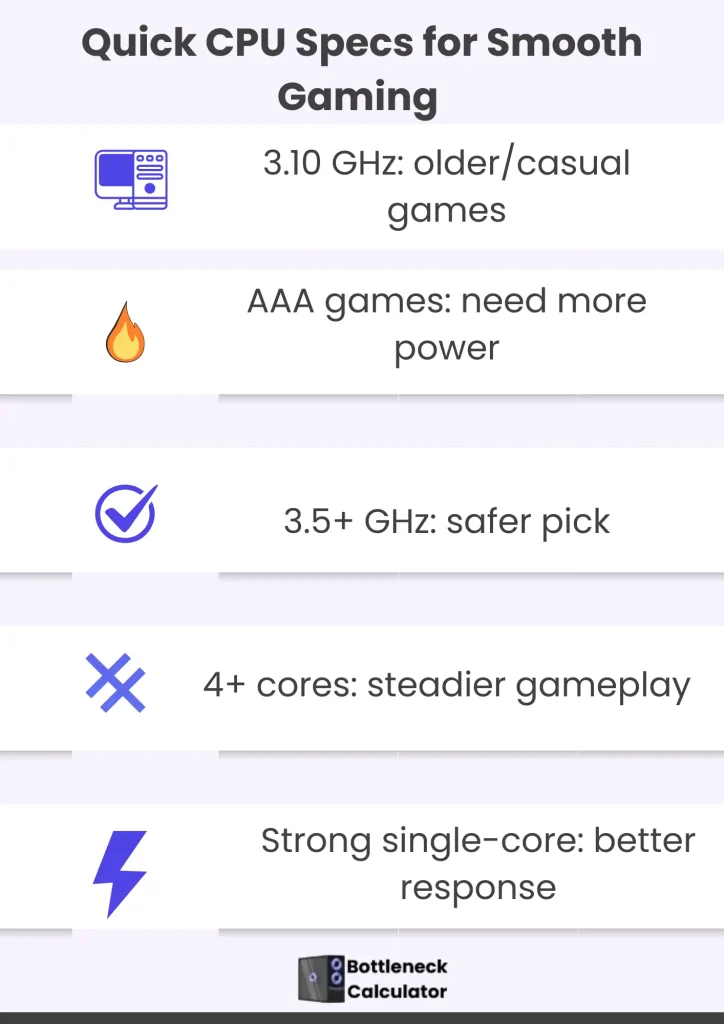
A 3.10 GHz processor is fine for older games and light gaming. If you play at medium settings, it can handle casual titles without major problems.
The issue starts with modern AAA games. These games need more processing power to run smoothly. With a 3.10 GHz CPU, you may see low FPS, stuttering, or your graphics card not working at its full potential.
For better gaming performance, a processor with 3.5 GHz or higher speed and at least four cores is a safer choice. This setup keeps frame rates stable and improves overall gameplay. 3.10 GHz is okay for casual gaming, but for modern games, a faster CPU gives a much smoother experience.
Is a 2.1 GHz Processor Good for Gaming?
A 2.1 GHz processor is not a good choice for modern PC gaming. While it may run basic tasks like browsing, watching videos, or playing older games, it struggles with today’s demanding titles.
Most modern games rely on fast instruction processing and strong single-core performance. A low-clocked CPU like 2.1 GHz often causes stuttering, long loading times, and unstable frame rates, especially when paired with a powerful graphics card.
You may also notice that your GPU is not fully utilized, which results in wasted performance and a poor gameplay experience. This is a common issue in CPU-limited systems.
For smooth gaming, stable FPS, and better responsiveness, a processor should have at least 3.5 GHz base or boost speed with modern architecture. A 2.1 GHz CPU is suitable only for very light or outdated games, not for current or future gaming needs.
What Is a Good Processor Speed for Gaming?
A good gaming CPU usually starts at 3.5 GHz or higher, but performance depends on more than base clock speed. Modern games need a CPU that processes instructions efficiently, has strong single-core performance, and handles multiple tasks smoothly.
Most games run best on CPUs with 6 to 8 cores or more, especially when running background apps like voice chat or recording software. Strong single-core speed keeps frame rates stable, and higher boost clocks give extra power during intense moments. Many modern processors can boost beyond 5 GHz, improving performance in demanding titles.
Instead of chasing GHz alone, choose a recent-generation CPU with a balanced design. CPUs like Intel Core i5, i7, i9, or AMD Ryzen 5, 7, 9 deliver reliable performance, multitasking efficiency, and stable gameplay across most games.
For smooth gaming and faster load times, a CPU with efficient cores, strong architecture, and big boost speeds matters more than just a high base clock.
💎Top 15 Best CPUs For Gaming Computer in 2026
AMD and Intel both manufacture good CPUs for PC gaming. Still, if you are confused about which processor is best, AMD or Intel, then this CPU comparison for gaming is helpful for you. Let’s move with me to explore the best processor for PC.
Top AMD CPUs For Gaming Performance
The CPU makes your computer’s performance excellent for gaming. Here is the list of the best AMD processors for gaming.
AMD’s Ryzen 9 9950X3D: Best High-End CPU
Best AMD Ryzen G series
AMD Ryzen 9000 and 8000 G series
AMD’s Ryzen 7 9800X3D: The Fastest Processor For Gaming
AMD Ryzen 7 7800X3D
AMD Ryzen 75700G
AMD Ryzen 7 7700
AMD Ryzen 9 7950X3D
Best Intel Processor For a Gaming PC
Core i5-14600k
Intel Core i5-13400
Intel Core i7-14700K Microprocessor for Gaming
Intel Core i9-13900KS Processing Unit
Intel Core i5-13600K
Note: For mobile gaming or an Android device, the Snapdragon 8 Gen 3 is best. For an iPhone device, the A18 Bionic chip is the best.
Best Mid-Range CPUs That Beat Expensive Options
Many gamers believe that only high-end processors can deliver smooth gaming, but that is not true. Several mid-range CPUs offer excellent performance and often outperform older flagship processors.
These processors deliver strong single-core speed, enough cores for multitasking, and better value for money.
Best mid-range CPUs for gaming
These CPUs are ideal for 1080p and 1440p gaming, competitive titles, and even streaming. When paired with a capable GPU, they deliver high FPS without unnecessary power consumption or overheating.
For most gamers, a well-chosen mid-range processor provides a better long-term experience than an overpriced high-end CPU.
Best CPU Configuration For Gaming
The best cpu configuration for gaming depends on how your system components work together, not just on choosing a powerful processor. A balanced setup focuses on core count, clock speed, and how well the CPU matches your graphics card.
For modern games, a processor with strong single-core performance ensures smooth gameplay, stable frame rates, and better responsiveness during fast-paced scenes.
For 1080p and 1440p gaming, a well-matched CPU and GPU pairing is critical to avoid performance bottlenecks. An efficient gaming CPU with enough cores handles background tasks while keeping frame delivery consistent.
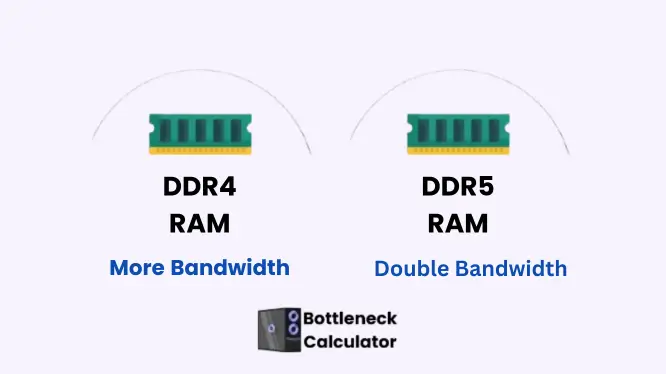
Memory support and motherboard compatibility also play an important role, as faster RAM and a stable platform help maintain long gaming sessions without stutters or crashes.
In higher resolutions like 4K gaming, the GPU does most of the heavy lifting, but the CPU must remain capable enough to support smooth rendering and game logic.
A proper gaming CPU setup focuses on long-term performance, power efficiency, and future upgrade potential. When your processor, graphics card, and memory are aligned correctly, your gaming PC delivers reliable performance across new and demanding titles.
Comparison Table Of Top 15 CPUs For PC Gaming
| For long-term playing of games | Core | Features | Usage |
| AMD’s Ryzen9 9950X3D | 16cores | Multitask, 144MB cache | Pro gamers |
AMD’s Ryzen G series | varies | Inbuilt GPU card | 1080p game for beginners |
AMD Ryzen 9000 and 8000G | 6 to 16 cores Up to 8 cores | AI features | For office work and video editing |
| AMD Ryzen AM5 socket | varies | Supportive for modern technology | For long-term playing games |
| AMD’s Ryzen 7 9800X3D | 8 cores /16 threads | Fastest game playing | For serious gamers |
| Ryzen 7 7800X3D | 8 cores | Budget-friendly | For Values-focused gamers |
| AMD Ryzen 75700G | 8 cores | Superb quality | For beginners |
| AMD Ryzen 7 7700 | 8 cores and 16 threads | Mid-range game | Video editing and productivity |
| AMD Ryzen 9 7950X3D | 16 cores | 3D cache | Game+ productivity |
| AMD Ryzen 5 8600G | 6 core | Modern processor | Basic level to build a PC |
| Core i5-14600k | 14 cores and 20 threads | DDR4 and DDR5 memory | Gaming + productivity |
| Intel Core i5-13400 | 10 cores | Suitable for 1080p gaming | Supportive of the latest software |
| Intel Core i7-14700K | 20 cores | I9 performance | Gaming + productivity |
| Intel Core i9-13900 KS | 24 cores | CPU for 4K games | For high-end games |
| Intel Core i5-13600K | 14 cores | Best CPU for a gaming PC | For multitasking |
Issues With Intel CPUs for Gaming?
In the last few years, in Intel CPUs (13th gen and 14th gen), voltage and stability issues have been seen. The Intel company is trying to fix these issues and update its models.
But when a processor is damaged, then there is no option but to replace it. These issues are only in the 13th gen and 14th gen; Intel’s new CPU, Core Ultra 200S, is free from these issues. If you like the Intel processor, select its new model.
Best CPU for Competitive Games
These things are important for competitive games:
FAQ’s
Conclusion
Selecting the best CPUs for gaming PC’s is not as big a deal as people think. In this article, I describe a comprehensive guide about the selection of the best processor for a PC based on comprehensive research.
These points should be kept in mind, concentrate on your use purpose, whether just playing games or streaming. Match your CPU and GPU compatibility for the best performance. I hope this detailed article will help you in the selection of the best processor for gaming.